Your customer pays on your website with UPI, the order details reach your courier partner automatically, and a tracking link lands on their WhatsApp — all without anyone typing anything twice. The quiet piece of technology making that happen is called an API. Here is what it actually means.
The short answer: an API is a standard way for two pieces of software to talk to each other. It lets your website ask another service — a payment gateway, a courier, Google Maps — to do a job, and get the answer back, without a human in the middle. You do not need to write code to understand it, and if you run a business with a website or an app, you are already paying for several of them.
1. The waiter analogy (the only one you need)
Think of a restaurant: you tell the waiter what you want, the waiter carries your order to the kitchen, and brings the food back. You never walk into the kitchen, and the kitchen never comes to your table.
An API is that waiter, for software. Your website is the customer at the table. The payment gateway, the map service or the courier company is the kitchen. The API carries the request — "charge this customer ₹499" — and brings back the answer — "payment successful". Neither side needs to know how the other works inside. That is the whole idea, and everything else is detail.
2. APIs you already use every day
Most small businesses in India use APIs daily without realising it:
- Payments. When a customer pays on your website through Razorpay, PayU or Stripe, your site sends the amount to the payment gateway's API and gets back a simple answer: paid or failed. The customer never leaves your checkout page.
- Maps. A "Find our store" map, or a delivery address picked on a map inside an app, comes from the Google Maps API — your site asks Google for a map of one area, and Google sends it back.
- Delivery tracking. When your store's order page shows "Out for delivery", it asked the courier's API (Delhivery, Shiprocket, Blue Dart) for the latest status and printed the answer.
- WhatsApp and SMS alerts. The "Your order is confirmed" message is usually sent by your website asking a messaging service's API to send it.
Your developer did not rebuild the payment system, the map or the courier network — they connected to services that already exist. That is the point of an API. If your business is thinking about a website or an app, our software development services start with exactly this question: which ready-made services should your product connect to? A related question comes up in almost every project: what a web application is, and when your business actually needs one.
3. What happens when an API is called, step by step
Take a real example — a customer buys a ₹499 course and pays by UPI.
- Your website makes a request. It sends a small message to the payment gateway's API: "Charge ₹499 to this UPI ID for order #1234." The message is written in a standard format called JSON — labelled data, like a form with fields.
- The gateway checks and acts. The payment gateway verifies the details, talks to the bank, and moves the money.
- Your website gets a response. A second or two later, the API answers: "Success — payment ID pay_123, amount ₹499." Your site marks the order paid and shows the customer a confirmation.
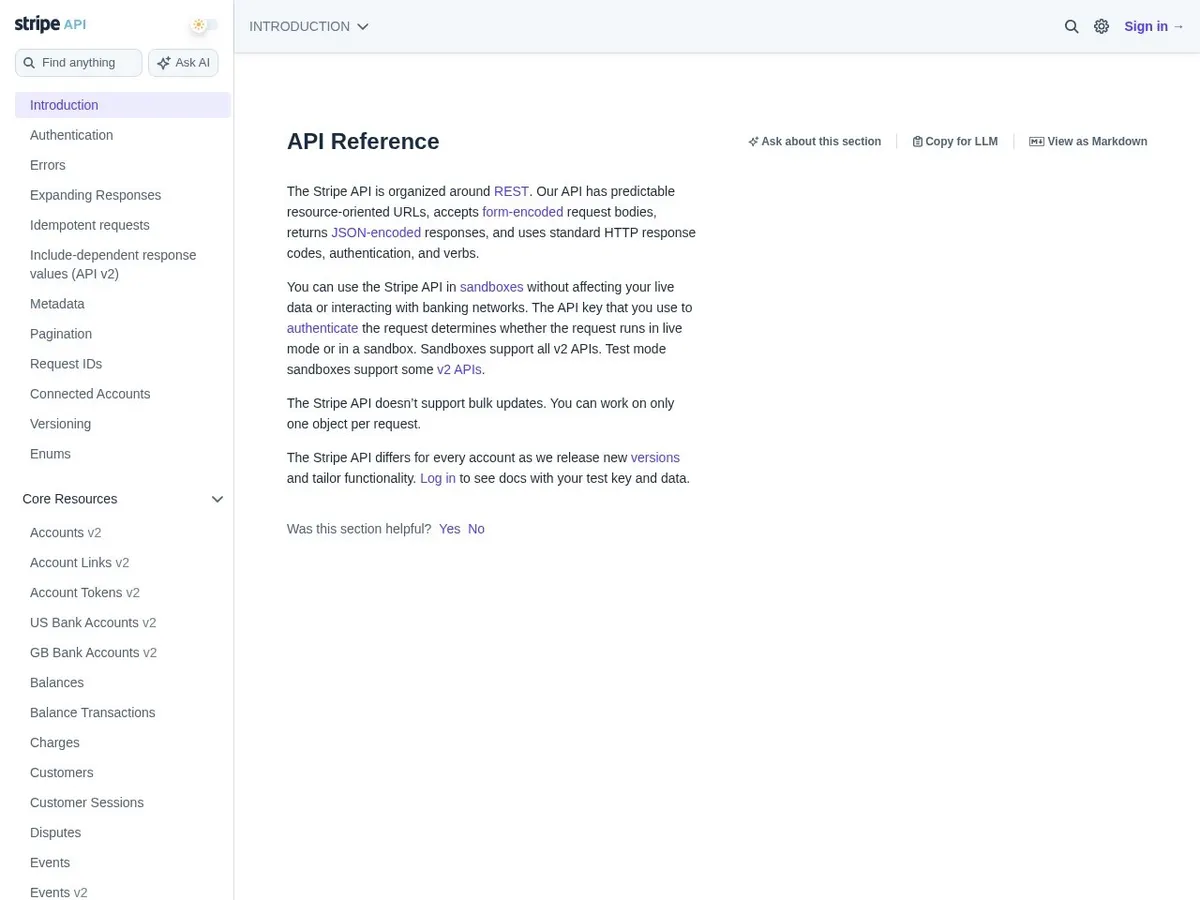
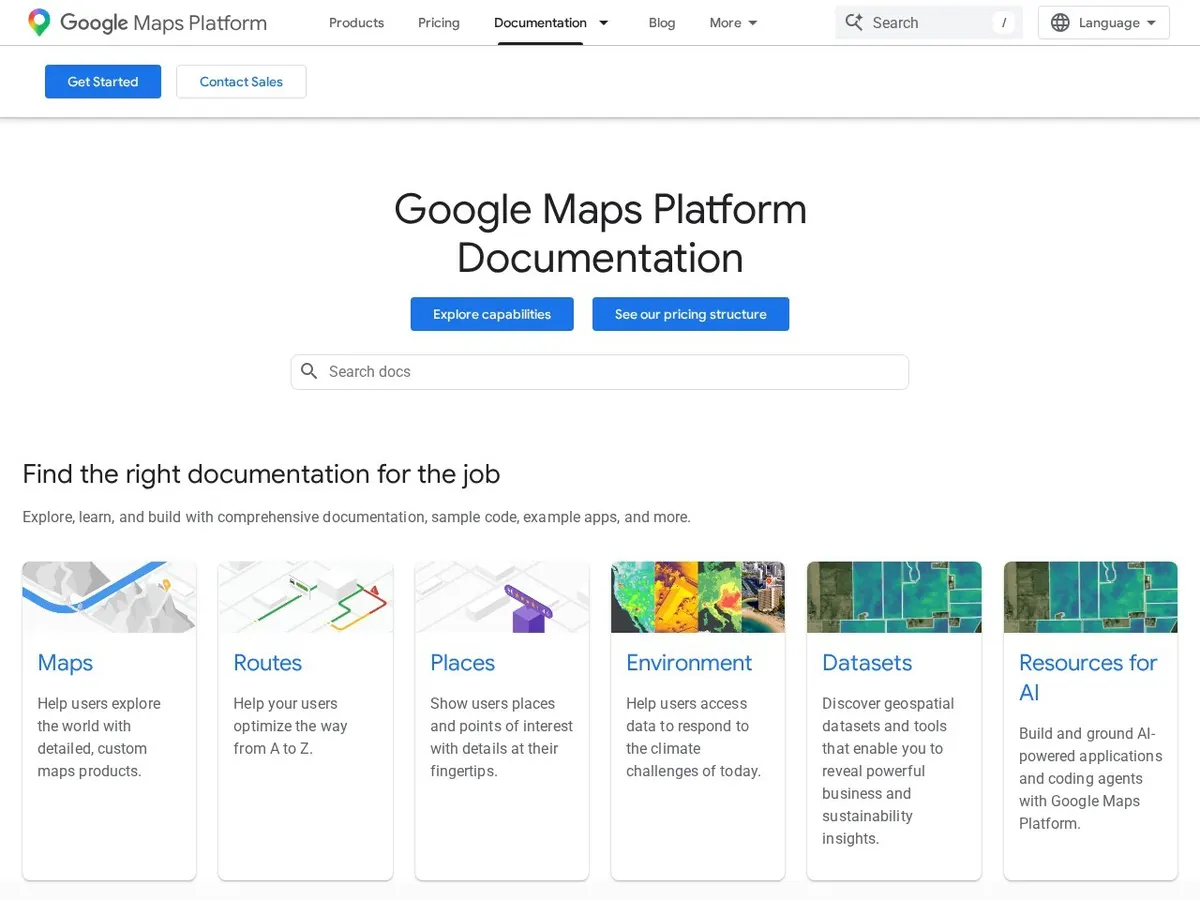
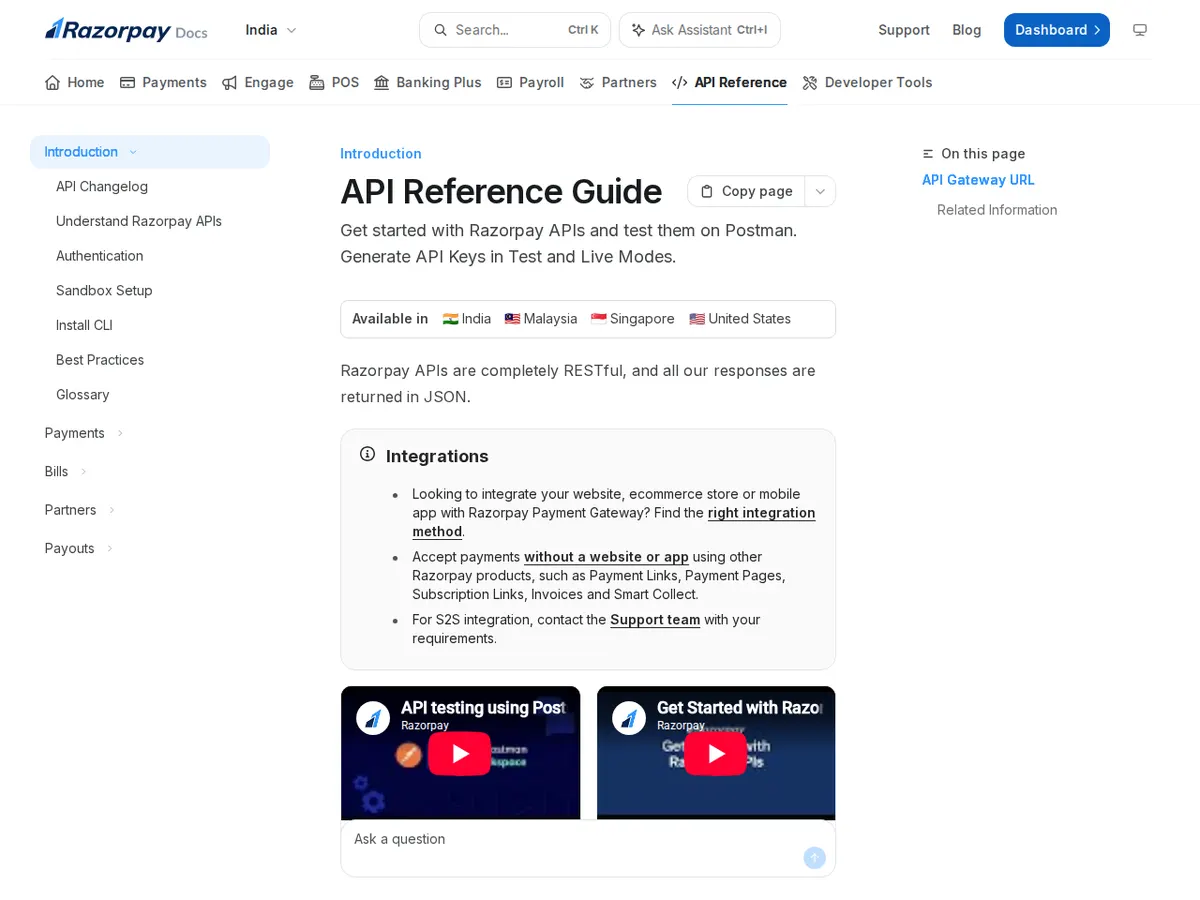
Good API documentation reads like a menu: each thing you can ask for, the fields to send, and what comes back. Stripe's API reference is a good example to show your developer — if an API's docs are clear, the integration is usually quick; if the docs are a mess, budget extra time. Google's Maps Platform documentation works the same way.
4. What does connecting an API cost in India?
There are two costs, and agencies sometimes quote only one of them:
| Cost | What it is | Typical range |
|---|---|---|
| One-time integration | Your developer's work to connect the API and test it | ₹5,000–₹25,000 per integration |
| Running charges | What the service charges for each use | Gateways take ~2% per transaction; maps and SMS usually have a free monthly quota, then pay per use |
A payment gateway integration is the most common first API for an Indian small business, and usually the cheapest — gateways want your business, so their docs and plugins are good, and WordPress or Shopify sites can often add one with a plugin in an afternoon. A custom courier or accounting integration costs more. Ask for both numbers in writing before work starts. The same approach applies when choosing between building and buying: custom software vs off-the-shelf tools walks through that decision.
5. Before you say yes: four questions to ask your developer
Before approving any API work, ask these:
- Which API, and why this one? There are usually two or three options (Razorpay vs Stripe, Google Maps vs MapmyIndia). Ask for one line on why this one fits your business.
- What are the running costs? One-time fee and per-transaction or monthly charges, in writing.
- What happens when the API is down? Payment gateways and couriers do go offline. Your site should show a clear message, not a blank page — and never charge a customer twice.
- Where is the API key kept? An API key is like a password for your account with that service. It must never be pasted into a public page or shared in a chat. If it leaks, someone can spend your money.
Marketing tools change their APIs too — when an ad platform or analytics tool updates, reports can break until someone updates the connection. Our digital marketing services include keeping those connections working, so a report never silently goes empty.
Questions people ask us
Do I need to know coding to use an API?
No. You need to know what an API connects and what it costs — your developer handles the code. Think of it like electricity: you need to know what it powers and what the bill is, not how the wiring works.
Is an API the same as an app?
No. An app is something people open and use; an API is a behind-the-scenes connection between two systems. An app often uses several APIs, but the API itself has no screen.
Are APIs safe?
Reputable ones are, when used properly: keys and passwords guard access, and data travels encrypted. The risks come from sloppy handling — a key pasted into a public file.
How long does it take to add a payment gateway to my website?
On WordPress or Shopify, often a day or less with the gateway's official plugin; on a custom website, usually 2–5 working days including testing.
APIs are not a technology to buy; they are connections to rent. The right question is never "should we use APIs?" — your business already does. The right question is which connections earn their keep: payments, delivery tracking and maps usually do, because they save staff time and stop "where is my order?" calls. Start with one — usually payments. If you would like help deciding which integrations your website actually needs, tell us about your business and we will map it out in plain English, with honest costs.