Almost every business owner we meet asks for a website. But about one in three actually needs something more: a web application. The two look similar in a browser, but they do very different jobs — and building the wrong one wastes money in both directions. A web app built when a simple website would do is money overspent. A website stretched to do a web app's job becomes a daily headache for your team.
So here is the simple answer first: a website informs, a web application works. A website is pages people read — your services, your story, your contact form. A web application is software that runs in the browser — people log in, enter data, book, pay, track and get things done. Gmail, online banking, IRCTC and the dashboard you use to manage your online store are all web applications. Your brochure site is not.
Website vs web application: the clear difference
| Website | Web application | |
|---|---|---|
| Main job | Show information and bring enquiries | Let users complete tasks and manage data |
| User logs in? | Usually no | Almost always yes |
| Examples | Company site, blog, portfolio, landing page | Booking system, customer portal, inventory tool, school or clinic dashboard |
| Data | Mostly fixed content you publish | Live data users create, change and search every day |
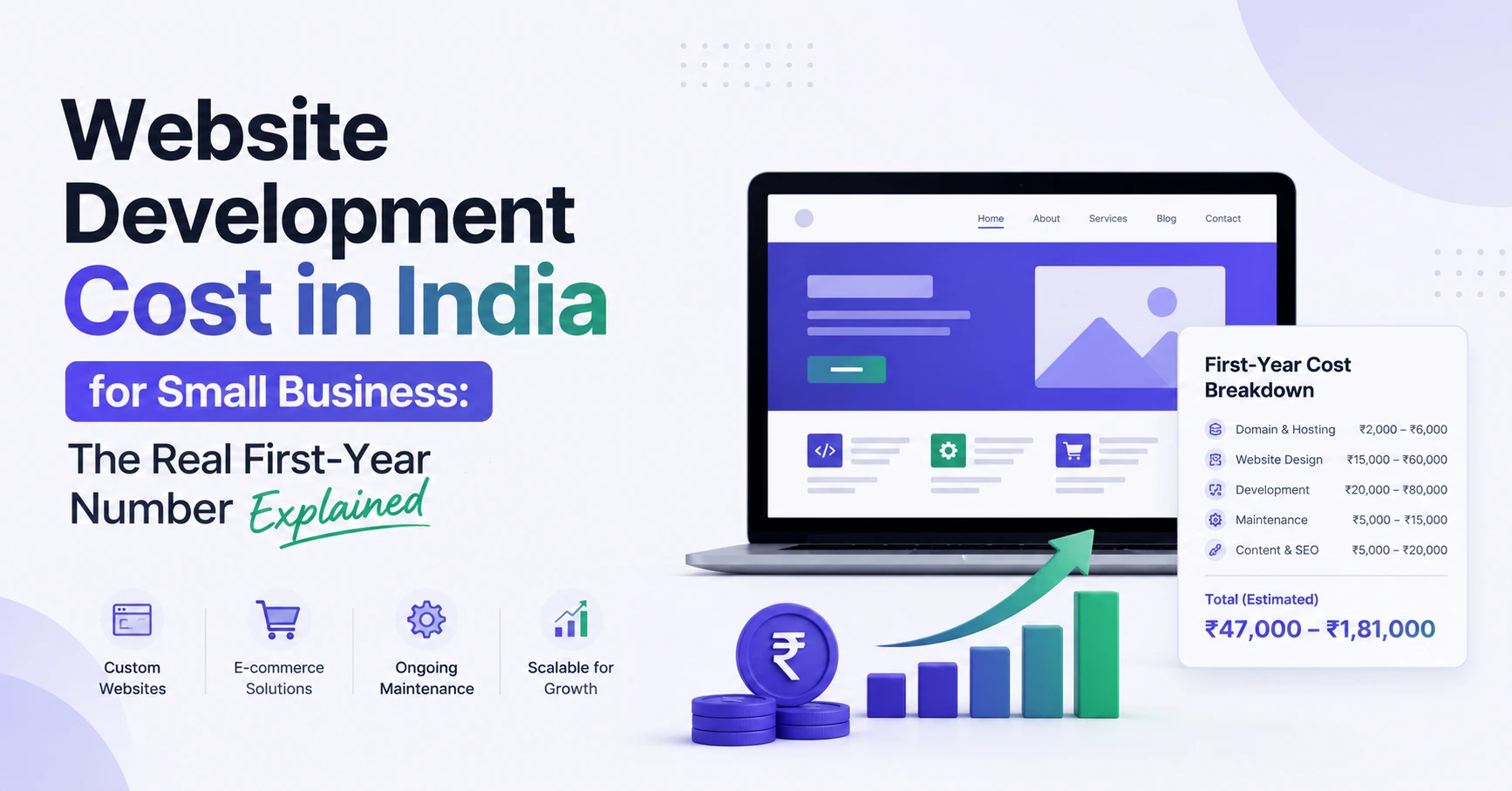
| Typical India cost | ₹25,000–₹1,50,000 depending on design and pages | ₹1,50,000 onwards for a useful first version; complex systems cost more |
| Best for | Being found, looking credible, generating leads | Saving staff time, reducing errors, serving customers at scale |
If you are still at the information stage, a well-built custom website is the right, cheaper tool. Do not let anyone sell you software you do not need yet.
5 clear signs your business needs a web application
1. Your team lives in spreadsheets and WhatsApp. Orders on WhatsApp, stock in one Excel file, payments in another, and nobody is sure which copy is correct. That is not a people problem — it is a systems problem. A web app gives everyone one shared, live version of the truth.
2. Customers ask for login-based access. "Can I see my orders?", "Can I download my reports?", "Can students check their results?" The moment customers, students, patients or partners need their own account and their own data, you have crossed from website to web application.
3. The same manual work repeats every day. Sending the same invoice format, confirming the same kind of booking, copying the same details from a form into a register. If a task follows the same steps 20 times a day, software should do it — faster, and without copy-paste mistakes.
4. You are turning away work because operations cannot keep up. Enquiries are not the problem; handling them is. When growth is limited by admin time rather than demand, a small internal web app — a dashboard, a booking flow, an approval system — often pays for itself within months.
5. Off-the-shelf software almost fits, but not quite. Many Indian businesses start with ready tools, and that is sensible. But if your staff keep working around the tool — extra sheets on the side, features you pay for but never use, and your one essential process missing — a focused custom application built around how you actually work becomes the honest option. This is exactly the work our web application development team does: small, sharp tools first, not giant systems on day one.
What does a web application cost in India, honestly?
Anyone who gives you a fixed price without asking about your process is guessing. As a realistic guide: a simple first version — login, a few core screens, one main workflow, reports — usually starts around ₹1,50,000–₹4,00,000 with a professional team in India. Larger systems with payments, multiple user roles, mobile apps and integrations can go well beyond that. Timelines follow the same pattern: a focused first version typically takes 6–12 weeks, not six months.
The smart way to control cost is scope, not shortcuts. Build the one workflow that saves the most time first, let your team actually use it, and only then add the next module. And budget for care after launch: hosting, backups, security updates and small improvements. A web application is a working asset, not a one-time poster — our guide to ongoing care under software development services explains how we structure that support.
How to start without wasting money
Start with the process, not the technology. Write down, on one page, who does what today, where it slows down, and what a good result looks like. Bring that page to your developer — a good team will ask more questions about your daily work than about colours and logos. Ask for a fixed-scope first version, a working demo every two weeks, and clear ownership: your code, your data, your domain. If a proposal cannot explain, in plain words, what the first version will and will not do, do not sign it.
Our honest answer for most small businesses is this: start with a great website, grow until the manual work starts hurting, then build a small web application for that one pain. Done in that order, each step pays for the next.
Not sure which side of the line your business is on? Tell us about your project — describe the daily work that frustrates you most, and we will tell you plainly whether you need a website, a web app, or neither yet.
Questions people ask us
Is a web application the same as a mobile app?
No. A web application runs in a browser on any device and needs no installation or app-store approval. A mobile app is installed from the Play Store or App Store. Many businesses start with a web application because it works on phones, tablets and computers at once, then add a mobile app later if they truly need one.
Can my existing website become a web application?
Usually, yes — in stages. Your public website can stay exactly as it is while a login-based section is added beside it, such as a customer portal or a booking area. You do not have to throw away a website that is already bringing you enquiries.
How long does a web application take to build?
A focused first version with one main workflow usually takes 6–12 weeks, including testing with your real team. Very simple tools can be faster; systems with payments, many roles and integrations take longer. Beware promises of a complete custom system in two weeks — testing is usually what gets skipped.
Do I need to maintain a web application after it launches?
Yes, lightly but regularly. It needs secure hosting, backups, updates and someone to call when you want a small change. Plan a modest monthly care budget from the start — it is far cheaper than repairing a neglected system a year later.