Imagine a customer opens your website on their phone, taps a button, and your site appears on their home screen like an app. It opens instantly, works even when their internet is weak, and can send a gentle reminder about an offer. They never visited the Play Store or downloaded anything.
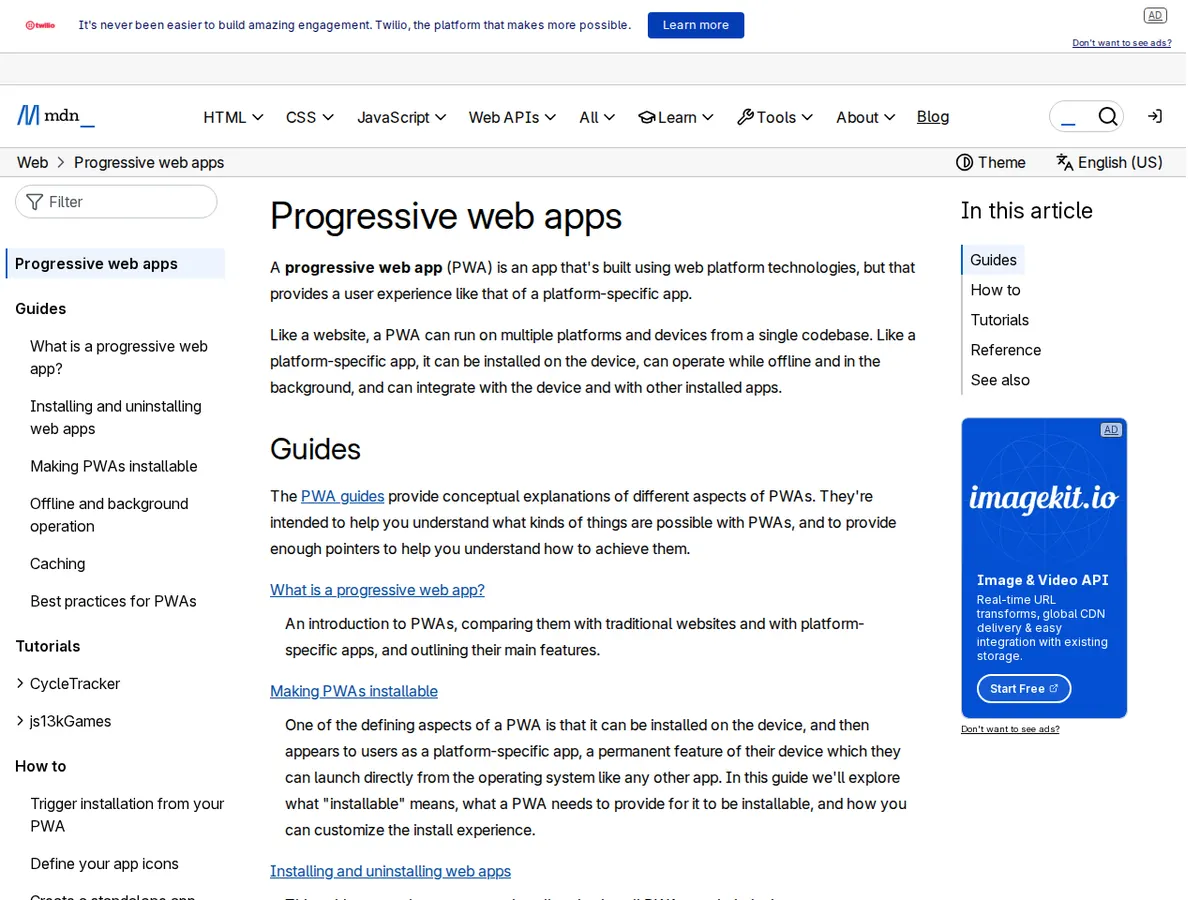
That is a Progressive Web App, or PWA. In one sentence: a PWA is a website built with a few extra pieces so it behaves like a mobile app — installable, fast, and usable offline — while still being a normal website anyone can open from a link. For many Indian small businesses, it is the middle path between a plain website and a full mobile app. This guide explains how it works, what it costs, and how to decide honestly whether your business needs one.
1. How a PWA actually works
A PWA is your normal website plus three ingredients that browsers understand:
- A service worker. A small script that runs in the browser background. It saves key files on the visitor's phone, so repeat visits load almost instantly, and it can serve a basic version of the site with no connection.
- A web app manifest. A small file with your site's name, icon and colours, so the phone can add it to the home screen with your branding.
- HTTPS. The site must run on a secure connection, which any serious business website already does.
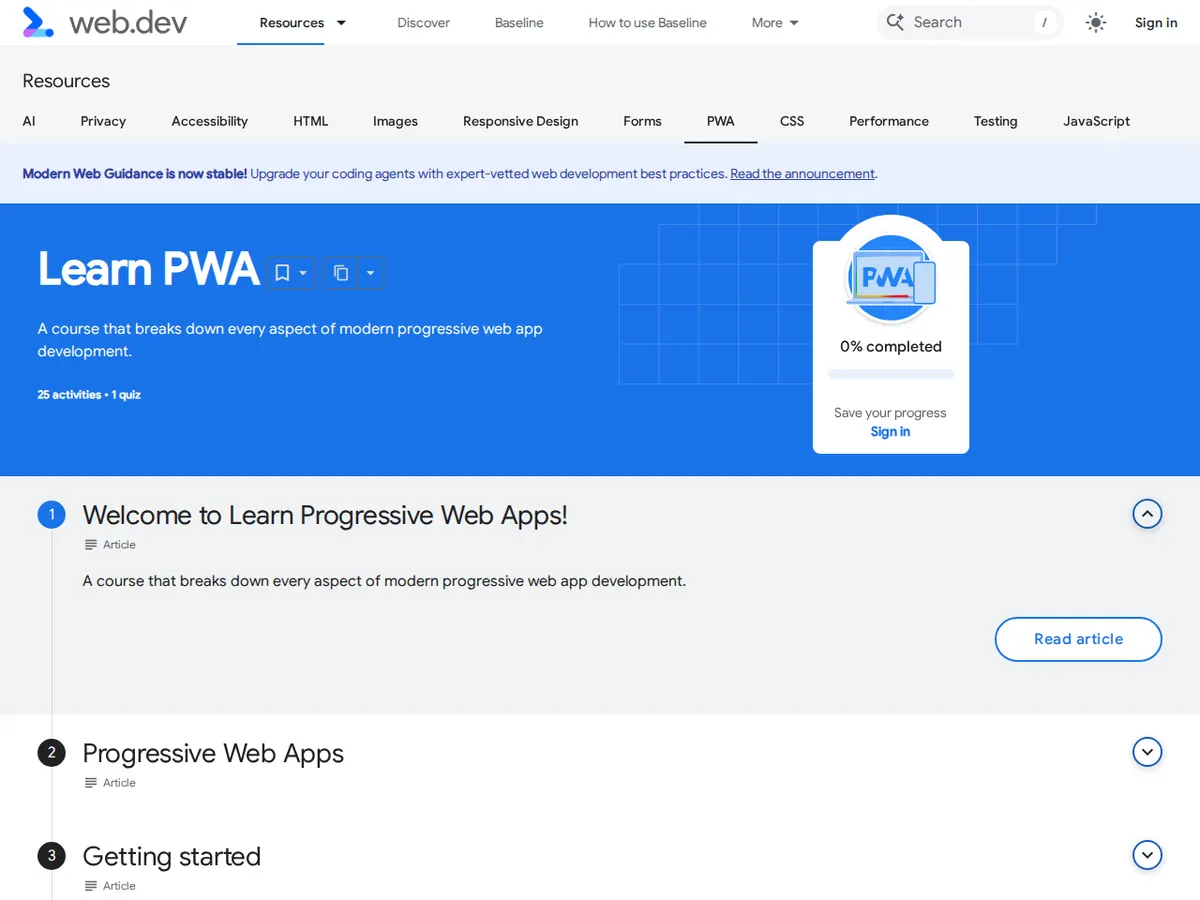
Once those are in place, the browser offers an "Add to Home Screen" or "Install" prompt. One tap, and your site sits next to WhatsApp and Instagram on their phone. Google's own Learn PWA course on web.dev explains each piece in detail, with examples you can try in the browser.
2. What a PWA can do that a normal website cannot
The differences are practical, not magic. A well-built PWA gives your customers near-instant repeat visits (the service worker caches your pages), offline basics (a saved menu or contact details in a lift or metro tunnel), a home-screen icon one tap away, push notifications with permission (an order update or a limited offer — useful, never spam), and an app-like full-screen feel. None of this needs the Play Store, which matters in India, where many customers hesitate to download another app for a shop they visit twice a month.
3. PWA vs native app vs normal website
Choosing between the three is mostly a question of budget, audience and features:
| Option | Typical cost in India | Best for | Main limitation |
|---|---|---|---|
| Normal website | ₹25,000–₹80,000 to build | Every business; the starting point | No offline use, no install, no notifications |
| PWA | Website cost + roughly ₹15,000–₹40,000 extra | Shops, clinics, coaching and services with repeat customers | Cannot use some phone features or full App Store presence |
| Native app | ₹1.5 lakh and up, per platform | Businesses whose product IS the app, or that need deep phone hardware access | Expensive to build and maintain; customers must download it |
The numbers are realistic ranges for a small business, not quotes. If you are still deciding between a website and an app, our guide on what a web application is and when your business needs one helps you make that call first. Our web application development services include PWAs as a standard option, and our app development services cover native apps when a PWA genuinely is not enough.
4. When a PWA is the right choice
A PWA usually earns its keep when your customers come back (a grocery store, pharmacy, coaching centre or salon sees the same people weekly), many of them are on patchy mobile internet, discovery through Search and WhatsApp is how they find you, and one PWA serving Android and iPhone from a single codebase beats paying for two native apps plus a website.
Real examples: a coaching institute whose students open the timetable daily; a restaurant whose regulars reorder the same lunch; a clinic whose patients check appointment slots. In each case the PWA removes friction from something people already do.
5. When a PWA is NOT the right choice
Honesty matters here, because a wrong PWA is wasted money:
- You need the App Store itself. Some customers only trust apps they find in the Play Store. A PWA can be wrapped for the stores, but it is not the same as a native listing.
- You need deep phone features. Advanced camera controls, Bluetooth devices or heavy gaming are native-app territory.
- iPhone limits matter to you. PWAs work on iPhones, but Apple still limits some features — push notifications have historically been weaker on iOS than on Android. If most of your customers use iPhones and notifications are core to your plan, check the current limits first.
- Your website itself is slow or broken. A PWA on top of a slow website is a fast-loading bad website. Fix speed first — our guide on why one second of delay costs you customers covers the basics.
6. How to get a PWA built, step by step
If you decide a PWA fits, the process is straightforward:
- Start from a good website. The PWA is an upgrade to your site, not a replacement. Your pages and ordering flow should already work well in a browser.
- Agree the offline experience. Decide what a customer should see with no internet: your menu, contact details, saved items.
- Add the service worker and manifest, then test on real Android and iPhone devices — not just a desktop browser.
- Design the install prompt. Do not show a pop-up the second someone arrives. Offer the install after they have used the site and found it useful.
- Test on slow connections. Use your phone on 4G with one bar of signal. If the PWA does not feel fast there, it is not finished.
- Plan notifications carefully. Ask permission only after a meaningful action, like placing an order, and send at most a few useful messages a month.
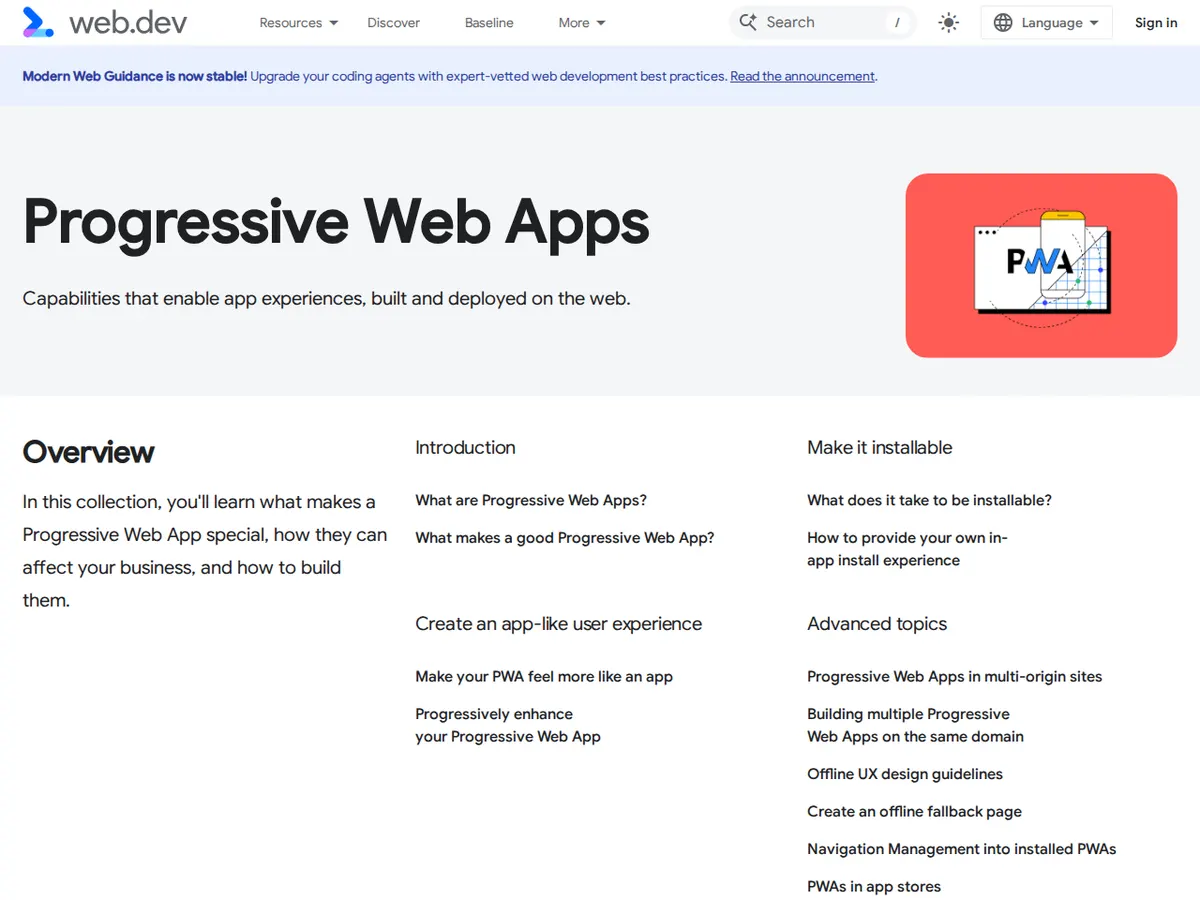
Google's Progressive Web Apps collection on web.dev shows real examples from businesses that made the switch — useful to show your developer as a reference for what "good" looks like.
7. A simple decision test
Answer three questions honestly. Do a few hundred customers visit your site every month, and do many return? Would a home-screen icon or an offline menu make their next visit easier? Is a native app's cost — ₹1.5 lakh or more — hard to justify right now? Yes to all three, and a PWA is probably the smartest next step. No to the first, and you should spend the money on getting more visitors first. No to the second, and a fast normal website is enough. And if your product genuinely is an app, build the app.
A PWA will not magically bring customers. It makes life easier for the customers you already have, and easier is what brings them back. If you would like an honest opinion on whether a PWA fits your business, our custom website development team can look at your current site and tell you plainly — including when the answer is "not yet". Tell us about your project for a practical plan and a clear price.
Questions people ask us
Is a PWA the same as a mobile app?
Not quite. A PWA is a website that behaves like an app — installable, fast and partly usable offline — but it runs in the browser and needs no app store download. A native app is installed from a store and can use more phone features, but costs far more.
Do PWAs work on iPhones?
Yes, including adding them to the home screen. Some features, such as push notifications, have been more limited on iOS than on Android.
How much does a PWA cost in India?
Adding PWA features to an existing website typically costs about ₹15,000–₹40,000 extra. A native app usually starts around ₹1.5 lakh.
Will a PWA help my Google ranking?
Indirectly. It can improve loading speed and repeat visits, but it is not a ranking shortcut. Your content, local relevance and site quality still matter far more.
