Every growing business reaches the same fork in the road. The ready-made tool almost fits — but not quite. The spreadsheet works — until it doesn't. And someone suggests getting software built just for you. Is that a smart investment or an expensive mistake?
The short answer: buy off the shelf when a ready-made tool covers 80% of what you need, and build custom only when your way of working is the thing that makes you money. Most Indian small businesses end up with both. This guide covers the real costs in rupees, the trade-offs, and five questions that make the decision for you.
1. What "off-the-shelf" software actually means
Off-the-shelf software is built once and sold to thousands of businesses: Shopify for online stores, Tally for accounting, Zoho for CRM. You pay monthly or yearly, set it up in days, and you are running. Updates, security and support are the vendor's problem, not yours.
The catch: it was designed for the average business, not yours. If your billing works differently, you either change how you work to fit the tool, or live with a daily workaround. Shopify's pricing page shows the subscription model — a predictable monthly fee that scales with the plan you pick.

2. What "custom software" actually means
Custom software is built for one business: a booking system that matches your exact workflow, a dashboard that pulls your sales, stock and delivery data together, an internal tool your team uses. It does what you ask for, because it was written for you. That is also the risk — you pay for every feature, including ones you later realise you did not need.
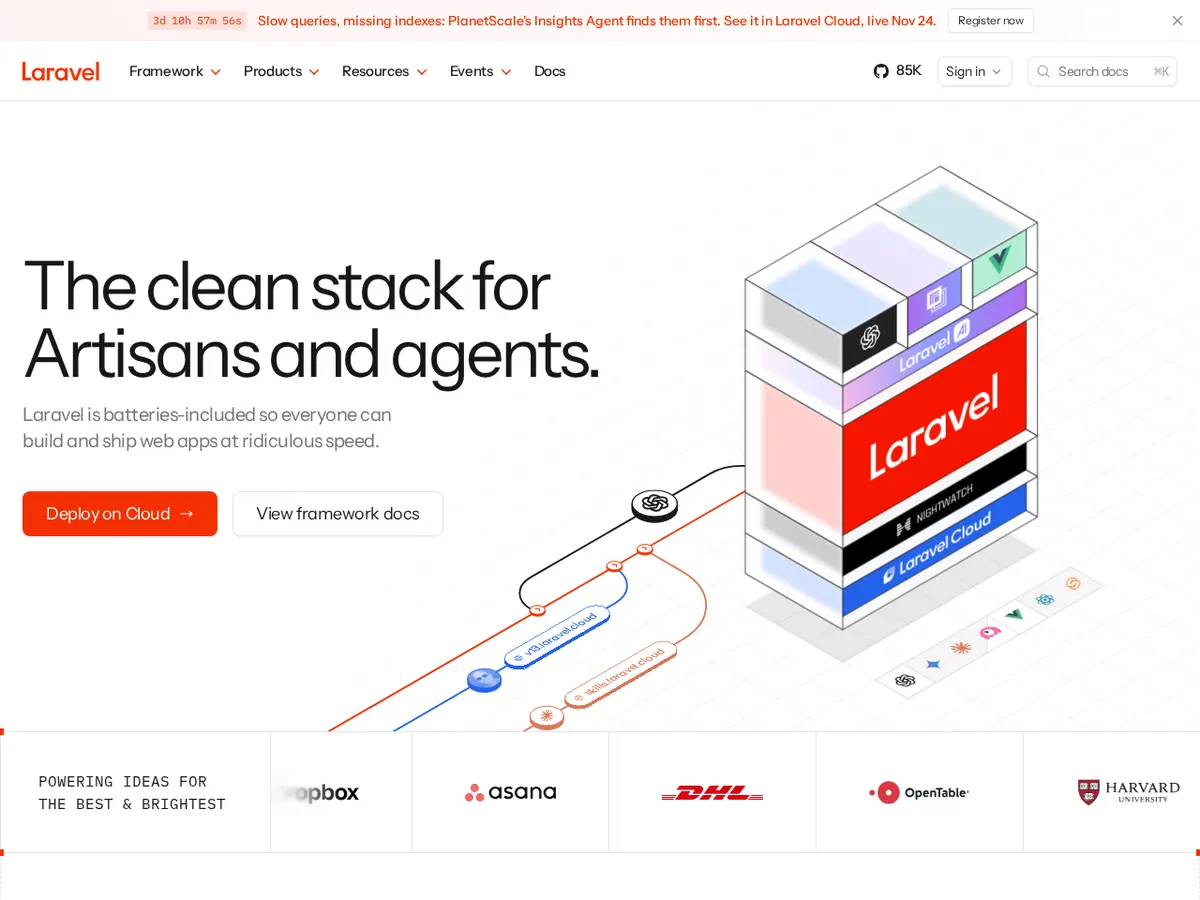
Custom does not mean starting from zero. Developers build on proven frameworks — Laravel, for example, is a popular open-source PHP framework that handles logins, databases and security so the team can focus on your business logic. The Laravel documentation shows what a modern framework provides. If you are weighing a custom build, our software development services page explains how we scope one, and our guide on what a web application is — and when your business needs one helps you spot a real need.
3. The honest cost comparison
Sticker prices mislead. A ₹1,500-a-month tool sounds cheap until you add users, add-ons and gateway fees; a ₹3 lakh custom build sounds expensive until you realise you own it outright. Here is a picture for a small Indian business:
| Off-the-shelf tool | Custom software | |
|---|---|---|
| Upfront cost | ₹0–₹10,000 setup | ₹1.5–₹8 lakh to build |
| Monthly cost | ₹1,000–₹15,000 in subscriptions | ₹3,000–₹15,000 for hosting + maintenance |
| Time to start | 1–7 days | 6–16 weeks |
| Fits your workflow | Mostly — you adapt to it | Exactly — it adapts to you |
| 3-year total (typical) | ₹1–₹5 lakh | ₹2.5–₹10 lakh |
| If the vendor raises prices | You pay, or you migrate | Not your problem — you own it |
Three years of subscriptions often cost about the same as a custom build. The difference is not always money — it is control, timing and risk. And custom software has ongoing costs too: hosting, updates and fixes never stop. Our web application development work includes a maintenance plan.
4. Five questions that decide it for you
Answer these honestly:
- Does a ready-made tool cover 80% of what you need? If yes, buy it. The last 20% is rarely worth a custom build — a workaround or add-on usually covers it.
- Is your process your competitive advantage? If how you take orders, price jobs or manage deliveries wins you customers, that process deserves custom software. If it is standard — invoicing, attendance, stock — buy it.
- How many people will use it daily? Five users on a ₹2,000-a-month tool is cheap. Fifty users at ₹500 each is ₹25,000 a month — then a custom build starts paying for itself.
- Can you wait 2–3 months? Custom software takes time to build and test. If you need something next week, off the shelf is the only honest answer.
- What happens if the vendor disappears? With a subscription tool, your data lives on someone else's servers. Check the export options before you commit — you should always be able to take your data with you.
5. The middle path most businesses take
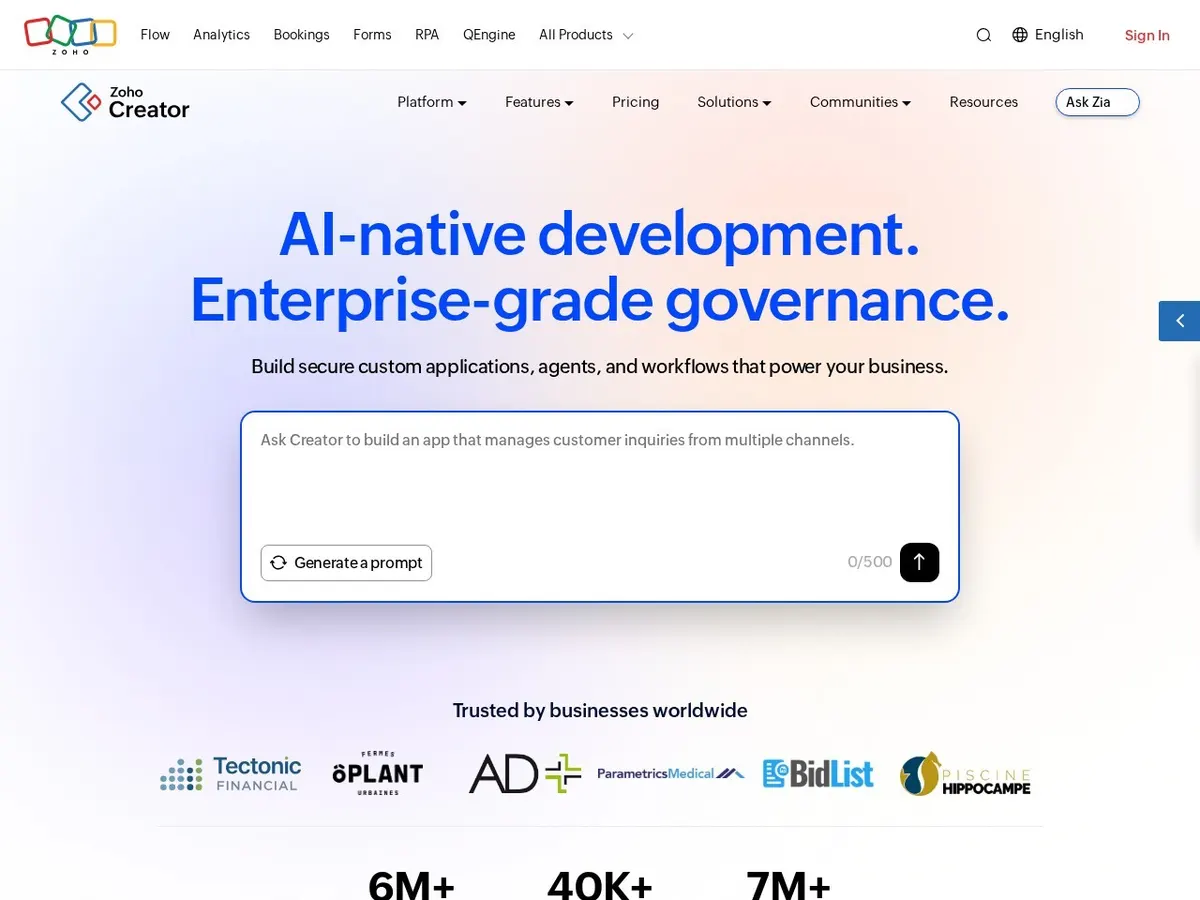
Very few businesses choose one extreme. The usual pattern: buy standard tools for standard jobs (accounting, email, CRM) and build custom only for your one unique workflow. Between the two sit low-code platforms — tools like Zoho Creator that let you build a simple custom app by dragging fields around, with no code. They are a good test: if a low-code app solves it, you did not need a build. If you outgrow it, you know exactly what to ask a developer to build.
6. Mistakes to avoid either way
- Buying the tool before defining the problem. Write down the exact workflow first — who does what, in which order — then judge tools against that list, not a sales demo.
- Building custom for a standard problem. A custom billing system is almost never worth it when Tally or Zoho Books already does it well. Save custom work for what is genuinely yours.
- Ignoring the exit. Before signing up for any tool, check how you export your data. Before commissioning a custom build, make sure you own the code and hosting — in writing.
- Forgetting the people. The best software fails if your team will not use it. Involve the people who will actually click the buttons before you choose, and budget a week for training.
- Skipping maintenance. Custom software is not a one-time purchase. Budget 15–20% of the build cost per year for hosting, updates and fixes — or it slowly rots. Our guide on how much it costs to build a mobile app in India shows how the same build-vs-maintain maths works for apps.
The right answer is rarely the most impressive one. Start with the ready-made tool that covers most of it, build custom only where your business is different, and revisit the decision yearly. If you would like a second opinion, our custom website and software development team will tell you when buying is the better call — even when that means less work for us. Tell us about your business and we will suggest the simplest option that actually fits.
Questions people ask us
Is custom software always more expensive than off-the-shelf tools?
Not always. A custom build costs more upfront, but subscriptions add up — three years of a ₹10,000-a-month tool is ₹3.6 lakh, in the range of a custom build you own outright.
How long does it take to build custom software?
A business tool usually takes 6–16 weeks from first discussion to launch. Anything promised in two weeks is a template with your name on it, or a promise that will slip.
Can I switch from off-the-shelf software to custom later?
Yes — and it is the most common path. Start ready-made, learn exactly what you need, and build custom when the workarounds cost more time than the build would. Just make sure you can export your data.
What is low-code, and is it a safe middle option?
Low-code platforms let you build simple apps by arranging fields and rules instead of writing code. They are a cheap way to test an idea — but they have limits, and complex workflows still need proper development.