
The Ultimate Webflow Website Development Handbook
In the ever-evolving world of web design, finding the right tools and platforms to bring your vision to life is crucial. Webflow has emerged as one of the most powerful and versatile website development platforms available today.
Whether you're a seasoned developer or a novice looking to dip your toes into your first website, Webflow offers a unique combination of visual design tools and robust functionality. This handbook explains how Webflow works, where it shines, where it struggles, and how to decide if it is right for your business.
What exactly is Webflow?
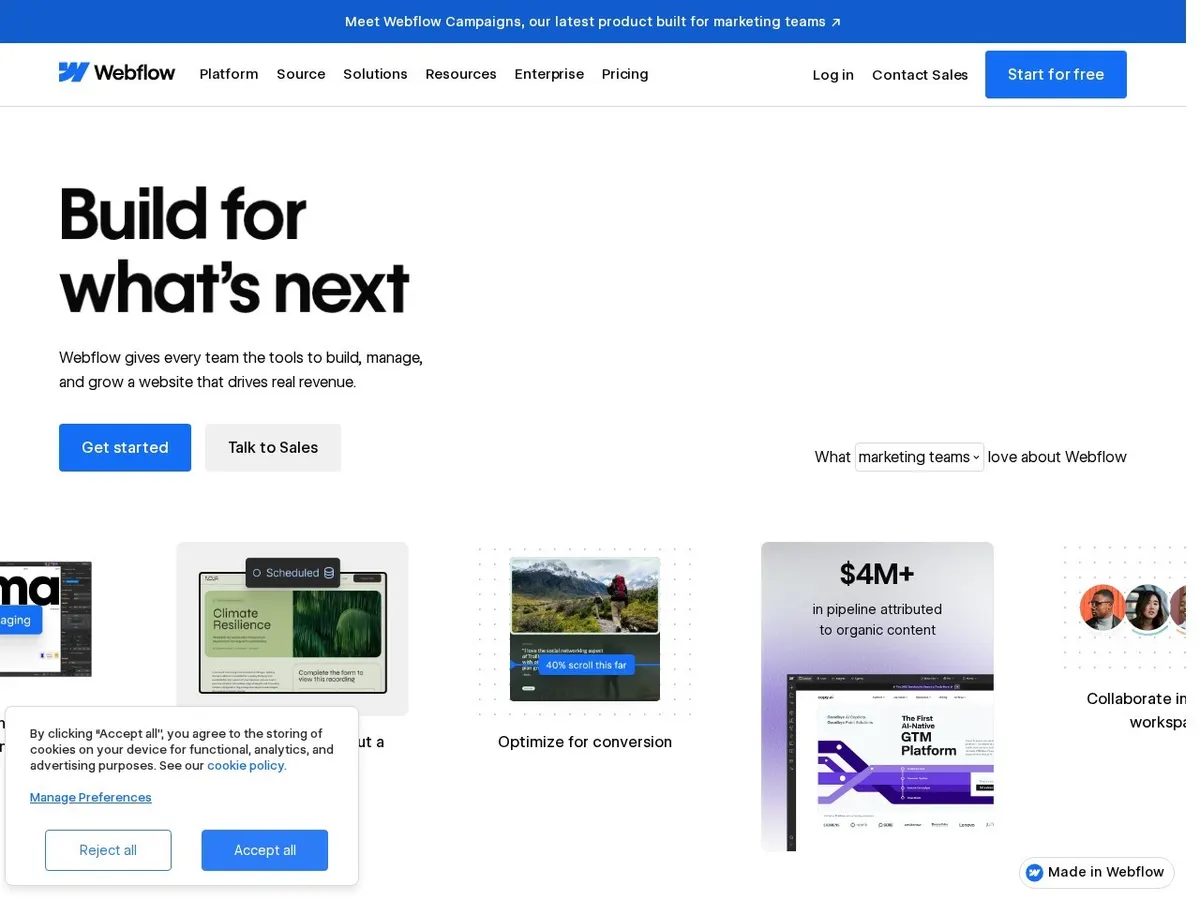
Webflow is a visual website builder: you design with drag-and-drop, and it writes clean HTML, CSS and JavaScript underneath. Unlike template-only builders, it gives near-total layout control — closer to designing in code, without writing code. Sites are hosted on Webflow's own fast infrastructure, and its CMS lets you manage blog posts, portfolios and listings visually. You can explore the platform and its showcases on the official Webflow website.
Where Webflow shines
- Design freedom: pixel-level control, animations and interactions that template builders cannot match.
- Clean output: the generated code is far tidier than most visual builders, which helps speed and SEO.
- Built-in hosting and CMS: no plugins to update, no server to maintain.
- Fast launches: a skilled designer can ship a polished marketing site in weeks, not months.
Where Webflow struggles
Honesty matters here. Webflow's pricing is in dollars, which adds up for Indian businesses as you add CMS items, team members and bandwidth. Its e-commerce features are fine for simple stores but limited next to Shopify or a custom build — see our comparison in WordPress vs Shopify vs custom website. Complex web applications (logins, dashboards, custom logic) are not its strength either; those need a custom-developed website or a web application. And while no coding is required, the learning curve is real — most businesses still hire a designer to get a professional result.
How a Webflow project runs, step by step
- Plan: sitemap, content and references — the same foundations we describe in the key aspects of a successful website.
- Design: homepage first, feedback, then the remaining pages.
- Build: CMS collections, forms, animations and responsive views for tablet and mobile.
- SEO basics: titles, descriptions, alt text, redirects and analytics before launch.
- Launch and hand over: connect the domain, test everything, and train you to edit content yourself.
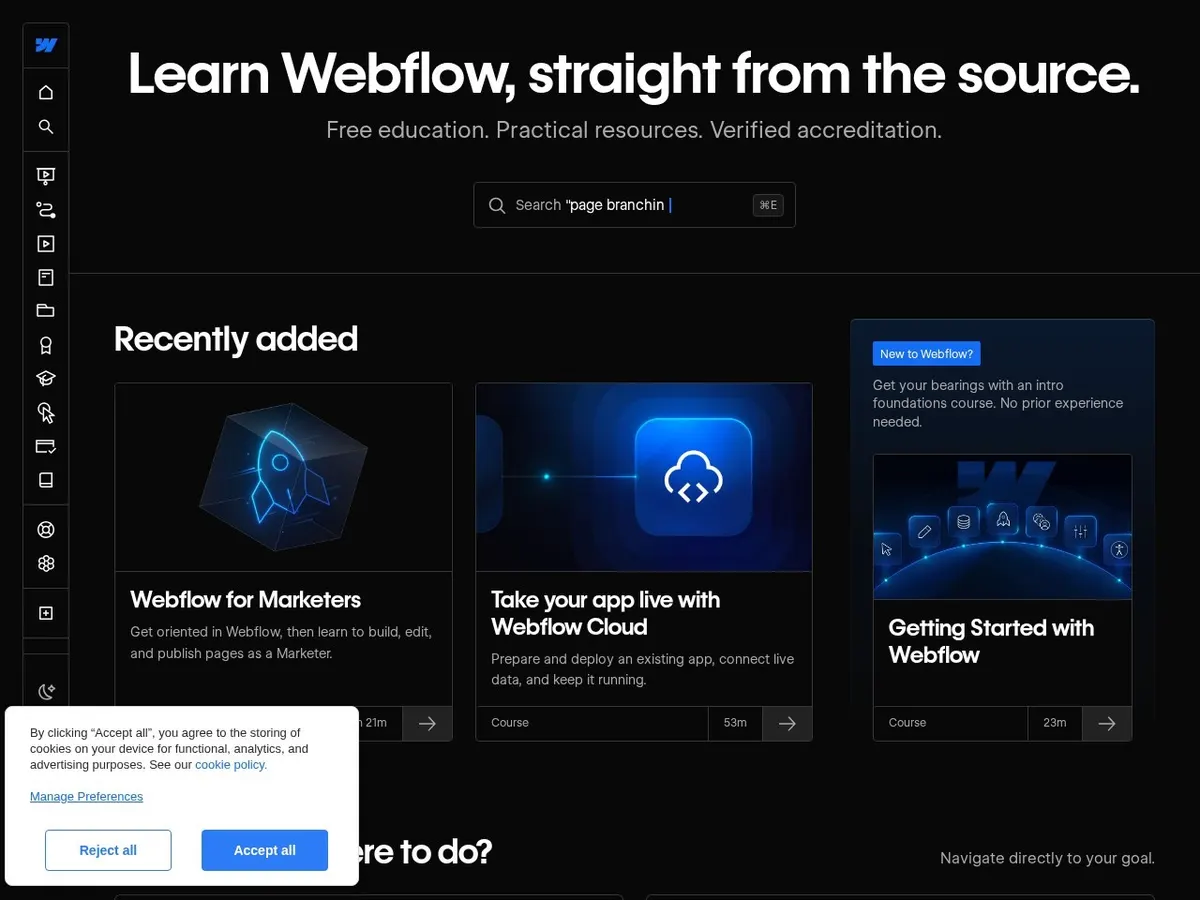
Webflow's own free courses at Webflow University are the best place to learn the tool if you plan to manage the site yourself.
Questions people ask us
Is Webflow good for SEO?
Yes — clean code, fast hosting and full control over titles, meta descriptions and alt text. Like any platform, it still needs keyword-focused content and sensible structure to rank.
How much does a Webflow website cost?
Platform plans are billed in dollars per site, plus your designer's fee. For a small business site, total first-year cost usually lands between a template WordPress site and a fully custom build. Our breakdown of website development costs in India puts real numbers on every option.
Can I move my existing website to Webflow?
Yes — content and design can be rebuilt on Webflow and your domain pointed to it, with redirects so you do not lose search traffic. It is a rebuild, not a one-click import.
Thinking about a Webflow site — or not sure which platform fits you at all? Tell us about your project and we will give you an honest recommendation, even if that recommendation is not Webflow.