Think about the last time you opened a website on your phone and the page just sat there, half loaded. Did you wait? Almost nobody does. Most visitors give a page about three seconds. If it has not loaded something useful by then, they tap back and open your competitor instead — and you never even know they came.
Here is the short answer: every extra second of loading time quietly costs you visitors, enquiries and Google visibility. The good news is that speed is one of the most fixable parts of a website. You do not need a rebuild in most cases. You need to know what is slow, in what order to fix it, and how to keep it fast.
What "slow" actually costs a small business
Put simple numbers on it. Imagine your site gets 1,000 visitors a month and 30 of them enquire. If slow loading makes even one in five visitors leave early — a modest estimate for a page that takes six or seven seconds on a phone — that is roughly six enquiries a month gone, and about 70 potential customers a year who never called.
Two other costs are easy to miss. Paid traffic gets wasted: every slow click from Google Ads or Instagram is money spent to show someone a loading spinner. And Google pays attention to speed: a slow site finds rankings harder to win and harder to hold — which is why speed shows up inside any honest SEO timeline, not as a separate luxury.
The three numbers Google actually measures
Google judges speed mainly through three measures called the Core Web Vitals. Knowing what they mean helps you talk sensibly with any developer:
| Measure | What it means in plain words | Good target |
|---|---|---|
| LCP — loading | How long until the main content (your headline, main image) appears | Under 2.5 seconds |
| INP — responsiveness | How quickly the page reacts when someone taps a button or opens a menu | Under 200 milliseconds |
| CLS — stability | Whether things jump around while loading — the button you were about to tap moves | As close to zero as possible |
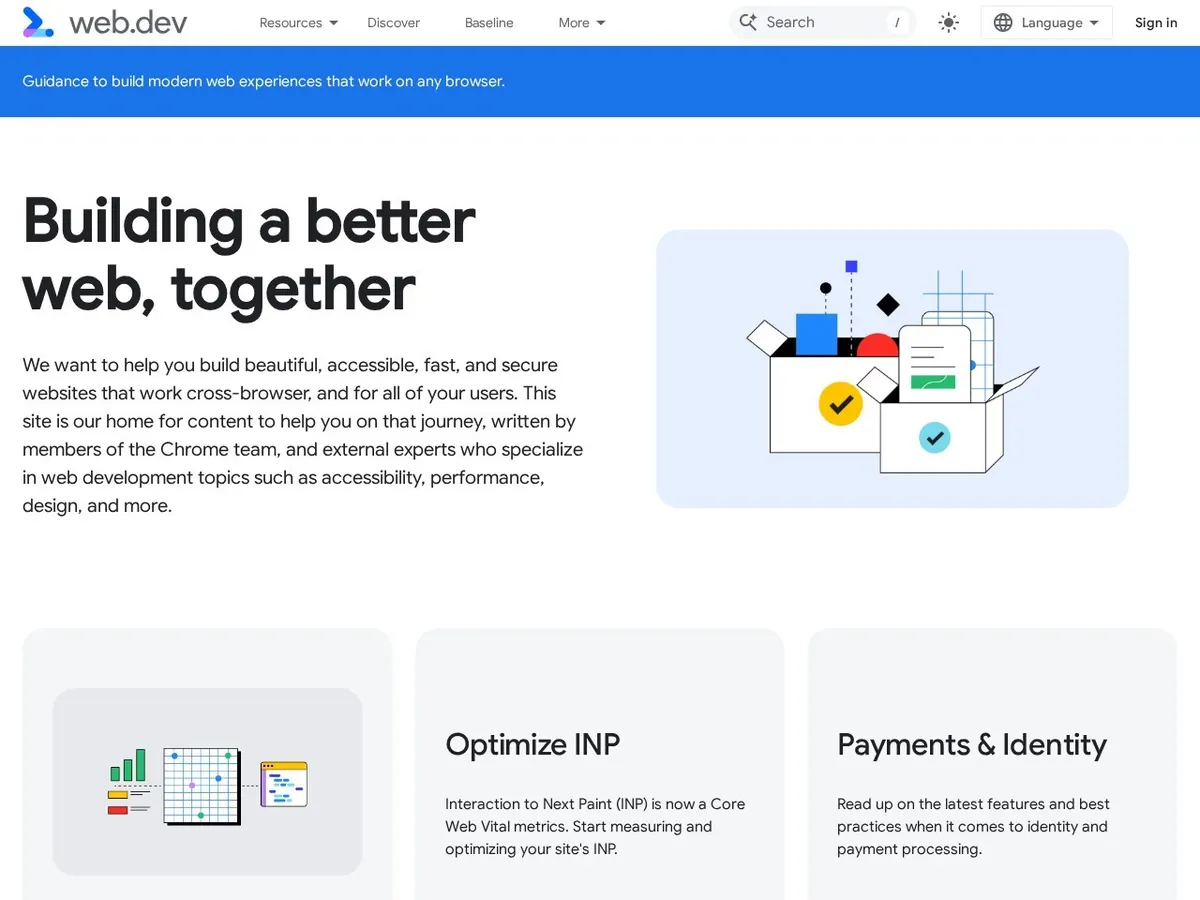
Google explains these measures in its own words in the Core Web Vitals guide on web.dev — it is the official reference, written for site owners as well as developers, and worth bookmarking.
How to check your own speed in two minutes
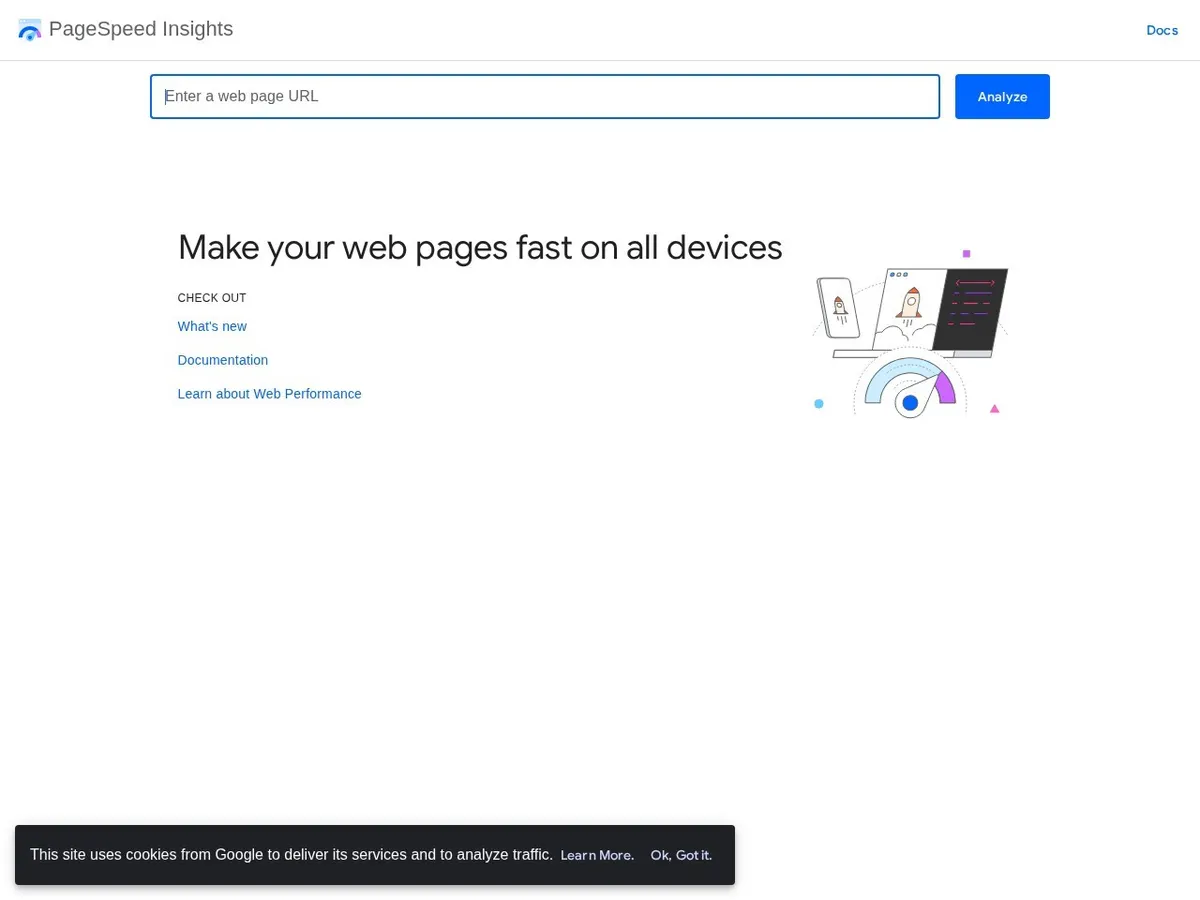
You do not need paid tools. Open PageSpeed Insights, paste your homepage address, and run the test. Look at the mobile score first, because most of your visitors are on phones, often on ordinary 4G connections — not on your office Wi-Fi.
A score in the green (90 and above) is excellent. Orange (50–89) usually means fixable problems are costing you some visitors. Red (below 50) means your site is actively pushing people away, and speed work should come before any new marketing spend. Below the score, the report lists specific problems in plain language — large images, unused code, slow server response — which is exactly the list a developer needs.
The five fixes that solve most slow websites
In our experience, the same five causes explain most slow small-business sites, and they are usually cheaper to fix than owners fear:
1. Oversized images. This is the number one cause, by a long way. A phone photo uploaded at full size can weigh 4–5 MB; the same photo, resized and compressed properly, is often under 200 KB and looks identical on screen. One heavy homepage slider can undo every other fix.
2. Cheap or overloaded hosting. Very cheap shared hosting puts your site on a crowded server, and loading suffers at exactly the busy hours when customers visit. Decent hosting often costs only ₹200–₹500 a month more and can cut server response time sharply.
3. Too many plugins and add-ons. Every plugin adds code that must load on every page. Sites that collected 30 or 40 plugins over the years are carrying weight they do not need. An audit that removes or replaces the heavy ones is routine work in a proper website maintenance plan.
4. No caching or compression. Caching means your server keeps a ready-made copy of each page instead of rebuilding it for every visitor. It is a standard setting on a well-built site, yet surprisingly many sites run without it.
5. A heavy theme doing jobs you never use. Some ready-made themes load animations, sliders and features on every page whether you use them or not. This is one of the quiet advantages of a lean custom website build: only the code your pages actually need is loaded.
What speed work honestly costs in India
A one-time speed optimisation for a typical small-business website — image work, caching, plugin cleanup, hosting advice and testing — usually falls around ₹8,000–₹30,000 depending on how much has piled up. Keeping it fast afterwards is lighter work: new images compressed before upload, updates tested, and a speed check every few months as part of regular care.
Be careful with anyone promising a guaranteed score of 100 — booking widgets, chat tools and ad scripts all add weight, so a perfect score is not always possible. The honest goal is a site your real visitors, on real phones, find fast. That thinking sits behind all of our software development services: measure what customers feel, not what looks good in a report.
A simple order of work, if your score is red today
Do not try to fix everything at once. Compress and resize the images first — the biggest win for the least money. Turn on caching and compression. Remove plugins you no longer use. Then re-test. Only if the score is still poor should you discuss hosting changes or deeper code work. And if you are choosing a platform for a new site, our comparison of WordPress vs Shopify vs a custom website covers how each one typically performs and what care each one needs.
Want a straight answer about your own site? Tell us about your project — send us your website address and we will tell you plainly what is slowing it down, what it would cost to fix, and whether the honest answer is a small tidy-up or something bigger.
Questions people ask us
How fast should my website load?
Aim for the main content to appear within about 2.5 seconds on a mid-range phone on 4G. Under 2 seconds is genuinely good. Beyond 4–5 seconds, expect a large share of visitors to leave before seeing anything, whatever your score tool says.
My desktop score is good but mobile is poor. Which matters?
Mobile, almost always. Most Indian small businesses get 70–85% of their visits from phones, and Google judges your site mainly on its mobile performance too. A good desktop score with a poor mobile score means most of your real visitors still get the slow version.
Will a faster website improve my Google rankings?
Speed alone will not put a weak page at the top — content and trust matter more. But between two similar pages, Google favours the faster, more stable one, and slow pages struggle to hold rankings they win. Think of speed as removing a handicap, not as a shortcut.
Can I make my website faster myself?
Partly, yes. Compressing images before you upload them, deleting plugins you no longer use, and keeping everything updated are all owner-level jobs. Caching setup, code cleanup and hosting changes are where a developer earns their fee — one wrong setting there can take a site offline.