Ask most small online stores how they use email and the answer is the same: "We send a mail when there is a sale." Then the list goes quiet for weeks, and the next sale email lands with people who have almost forgotten the shop exists.
Here is the short answer: for an online store, the money in email is not in occasional big campaigns. It is in four small automations that run every day — a welcome series, an abandoned cart reminder, a post-purchase email, and a win-back email. Set them up once, write them honestly, and they keep working while you run the rest of the business.
Why automations beat campaigns for a small store
A campaign goes to everyone at once, whether it suits them or not. An automation goes to one person at the moment it is relevant: just after they subscribe, leave a cart, or receive an order. That timing is why short, well-timed emails usually outperform a large monthly blast.
Automations also force you to collect addresses properly, with permission, and keep the list clean — which matters more now, because inboxes are stricter. Our email marketing services start with these four flows, before any fancy campaign calendar.
The 4 automations, in the order to build them
| Automation | When it sends | What it should do |
|---|---|---|
| 1. Welcome series | Immediately after someone subscribes | Introduce the store, deliver the promised offer, show bestsellers |
| 2. Abandoned cart | A few hours after a cart is left unpaid | Remind, answer doubts, make returning to checkout easy |
| 3. Post-purchase | After delivery, not after payment | Help with the product, ask for a review, suggest a sensible next buy |
| 4. Win-back | After 60–90 days with no purchase | Remind them why they bought, show what is new, offer a reason to return |
1. The welcome series: your best first impression
The welcome email is usually the most opened email a store sends, because the person has just asked to hear from you. Do not waste it on "Thanks for subscribing" and nothing else. A series of two or three emails works well: first, deliver whatever you promised (a first-order discount, a guide, early access). Second, show your bestsellers and one or two genuine reviews. Third, tell a small piece of your story — people buy again from shops they remember. Keep any discount simple: a clear 10% off a first order beats a confusing stack of conditions.
2. Abandoned cart: a reminder, not a chase
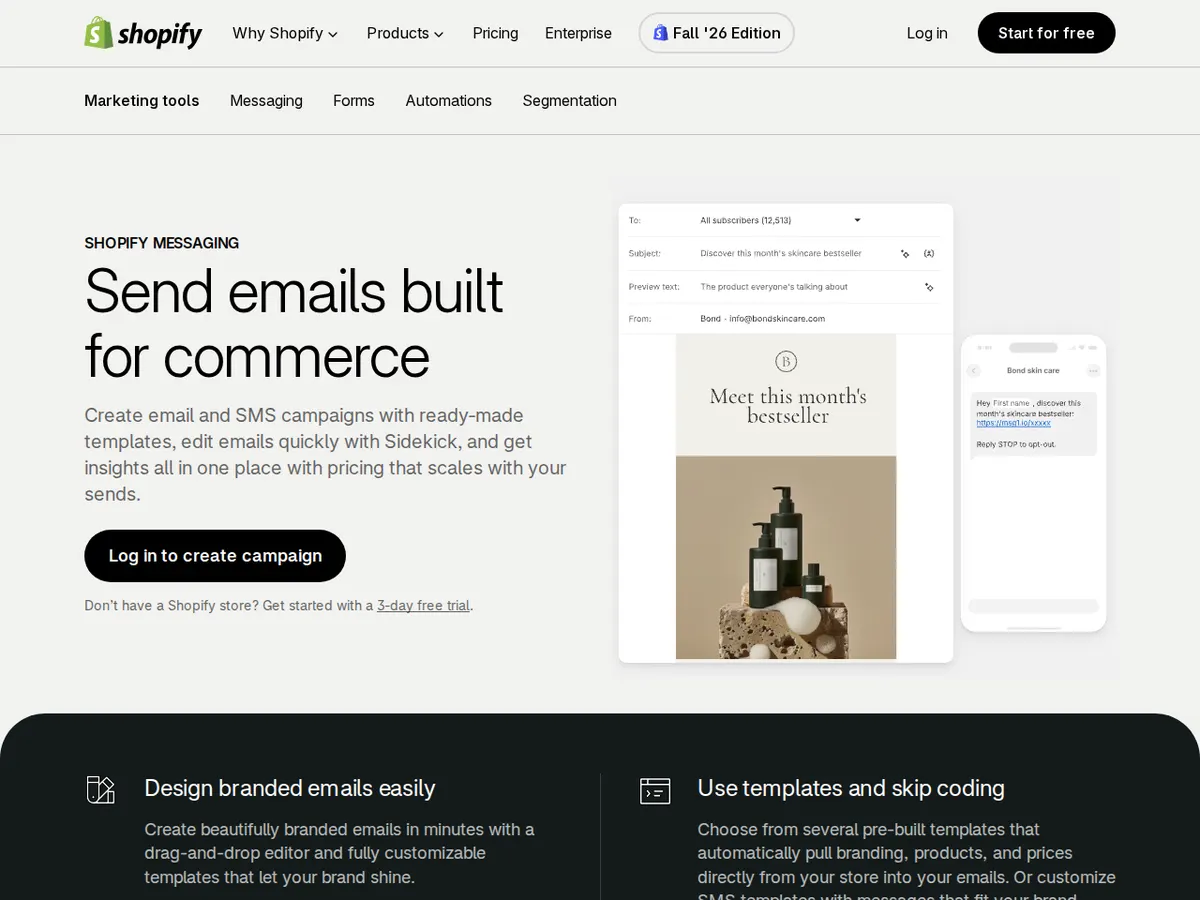
Many shoppers leave a cart for ordinary reasons: the doorbell rang, UPI timed out, they wanted to check the delivery charge first. One polite reminder a few hours later — the exact items, the total including delivery, one button back to checkout — recovers some of those orders. A second email next day can answer common doubts: delivery time, returns, cash on delivery. Do not send four reminders in a day, or invent fake urgency ("Only 3 left!") when it is not true. Shopify's own Shopify Email help covers creating these automations, and similar flows exist in WooCommerce plugins and tools like Mailchimp and Brevo.
3. Post-purchase: the email that builds the second order
Send this one after the product has arrived, not the minute payment succeeds. Thank the customer, link to any care guidance, and ask for a review while the experience is fresh. Reviews collected this way feed the product pages future customers read — one of the points in our complete guide to Shopify development for scaling stores. If you suggest a next product, make it an obvious companion to what they bought: one relevant suggestion reads as service; five unrelated products read as noise.
4. Win-back: one honest attempt, then let go
After roughly 60 to 90 days with no purchase — sooner for food or cosmetics, later for durable goods — send one friendly email: what is new, a bestseller they have not tried, and a modest reason to return. If there is no response after one or two attempts, stop including that person in regular sends: unresponsive addresses hurt your sender reputation.
What this honestly costs in India
The tools are rarely the expensive part at small-store scale. Shopify includes a monthly email allowance, WooCommerce automation plugins are commonly a few thousand rupees a year, and tools such as Mailchimp and Brevo have free or low-cost starting tiers that rise with list size — roughly ₹800–₹3,000 a month covers many stores with a few thousand subscribers. Check the current plan page before you budget.
The real cost is a few days of setup, then an hour or two a month to improve one email at a time. If an agency sets the flows up, ask to see the flow reports, not just pretty designs — as part of ongoing digital marketing, or in a store built well from the start: our e-commerce development work includes wiring cart and order emails up before launch.
The rules that keep you out of the spam folder
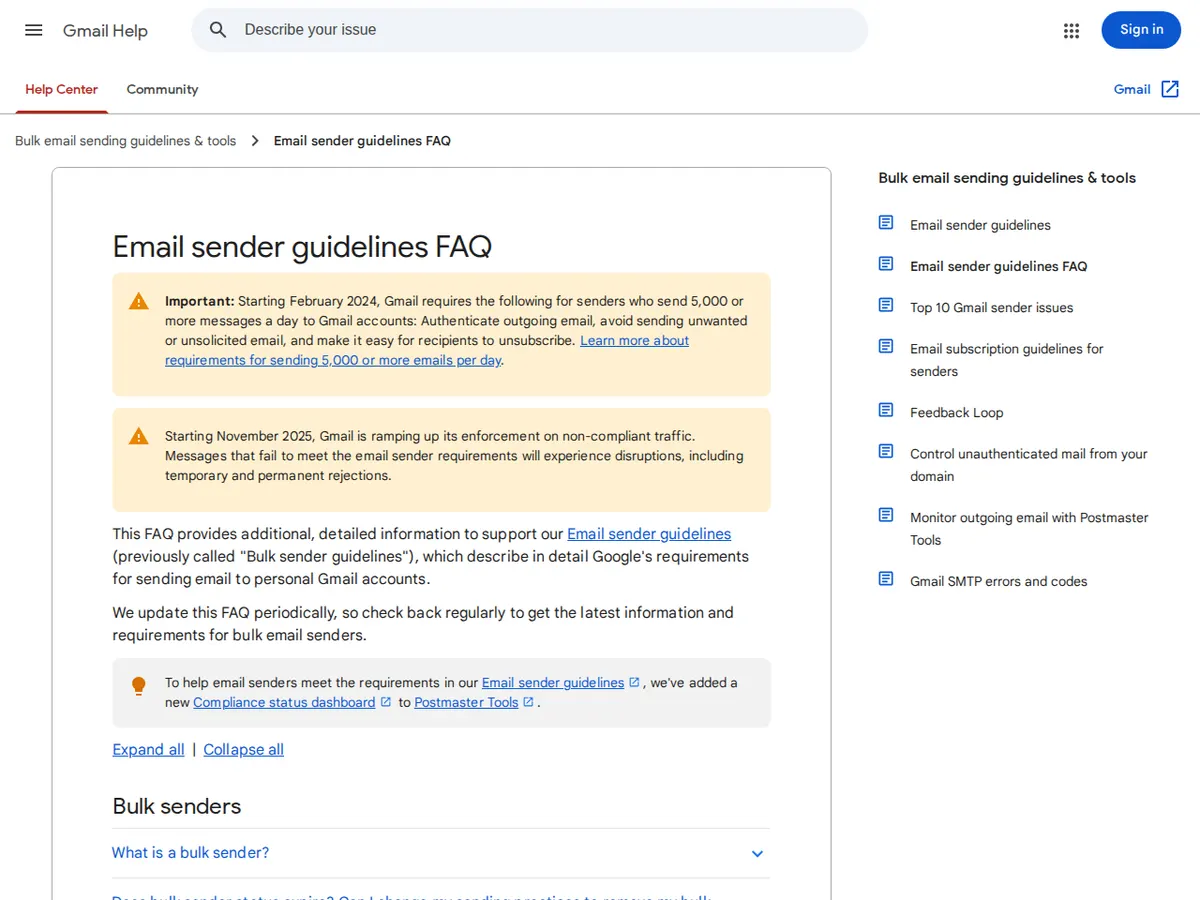
Three basics decide whether your emails are even seen. First, only email people who asked to hear from you — bought lists break every serious tool's rules and barely work anyway. Second, make unsubscribe one click and honour it immediately. Third, send from your own domain with the technical records your tool asks for (SPF, DKIM and DMARC). Google publishes its requirements in its email sender guidelines — worth reading before your list grows.
Email works best alongside your other channels: your social audience rents its reach from a platform; your email list is yours. That is the balance in our guide to social media marketing on a small budget: use social to be discovered, email to stay in touch.
A simple way to start this week
Do not build all four flows in one day. This week, write the welcome email and turn it on. Next week, add the cart reminder, then post-purchase. By month's end, add win-back — and your store will email helpfully every day without you pressing send.
Want these set up properly on your store? Tell us about your project — tell us your platform and roughly how many subscribers you have, and we will tell you plainly which automations to build first and what they should cost.
Questions people ask us
Which email automation should a new store set up first?
The welcome email. It reaches people when they are most interested, delivers the offer you used to win the signup, and is the simplest flow to write. Add abandoned cart second, once orders are coming in.
How many emails should an online store send?
For automations, as many as the four flows naturally generate — they are triggered by the customer's own actions. For campaigns, one or two useful emails a month is a sensible start. Increase only if people keep opening, clicking and buying.
Is email marketing still worth it when everyone uses WhatsApp?
Yes, for different jobs. WhatsApp is excellent for order updates and quick conversations. Email is better for considered purchases, reviews and offers people may act on days later — and your list does not depend on any one app's pricing or rules.
Can I buy an email list to get started faster?
Please do not. Bought lists break every major tool's terms, produce complaints that damage your sender reputation, and rarely contain people who want your products. A small list of real subscribers will outsell a large bought list almost every time.