Your website gets visitors every day — from Google, Instagram, and WhatsApp links you shared. But do you know which of those visitors actually enquire, and which ones leave in five seconds? Most small business owners in India do not, because the tool that answers it looks too technical to open. That tool is Google Analytics 4, or GA4, and it is free.
The short answer: GA4 is a free Google tool that shows you where your website visitors come from, what they do on your site, and which pages bring you enquiries and sales. Setting it up takes about 30 minutes, and you only need to check five reports each week. Here is the plain-English version.
1. What GA4 actually is (and what it is not)
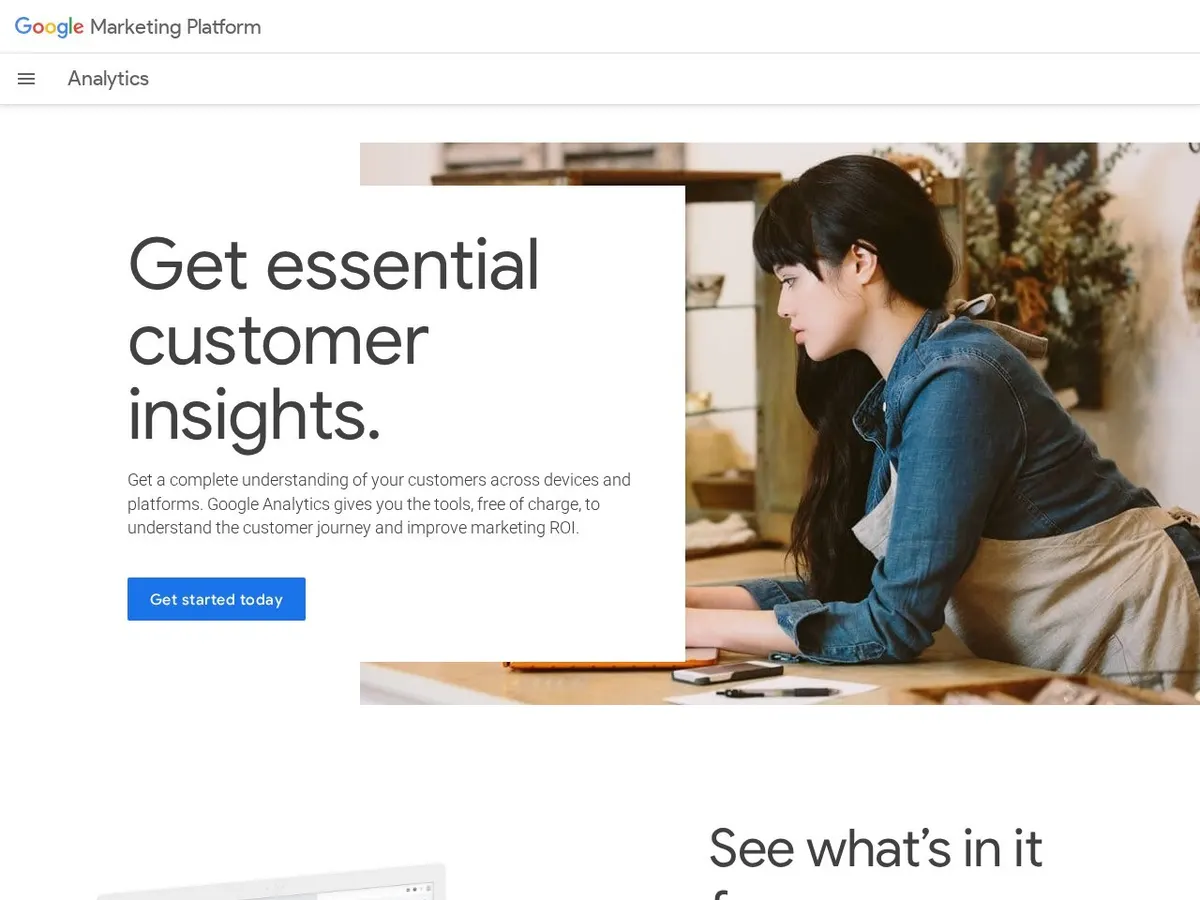
GA4 is the current version of Google Analytics. The old version, Universal Analytics, stopped collecting data in 2023, so an old tracking code on your website is probably recording nothing. GA4 replaced it with a simpler idea: instead of counting page views, it counts events — a button clicked, a form submitted, a phone number tapped. That matters for a small business, because an enquiry is an event, not a page view. Google's Analytics product page describes the same idea: understanding the customer journey to improve marketing return.
If you are already working on getting found on Google, GA4 is the other half of that job: local SEO brings people to your website, and GA4 tells you what they do once they arrive. Our digital marketing services set GA4 up as part of every website and SEO project, because marketing without measurement is guessing.
2. Setting it up takes about 30 minutes
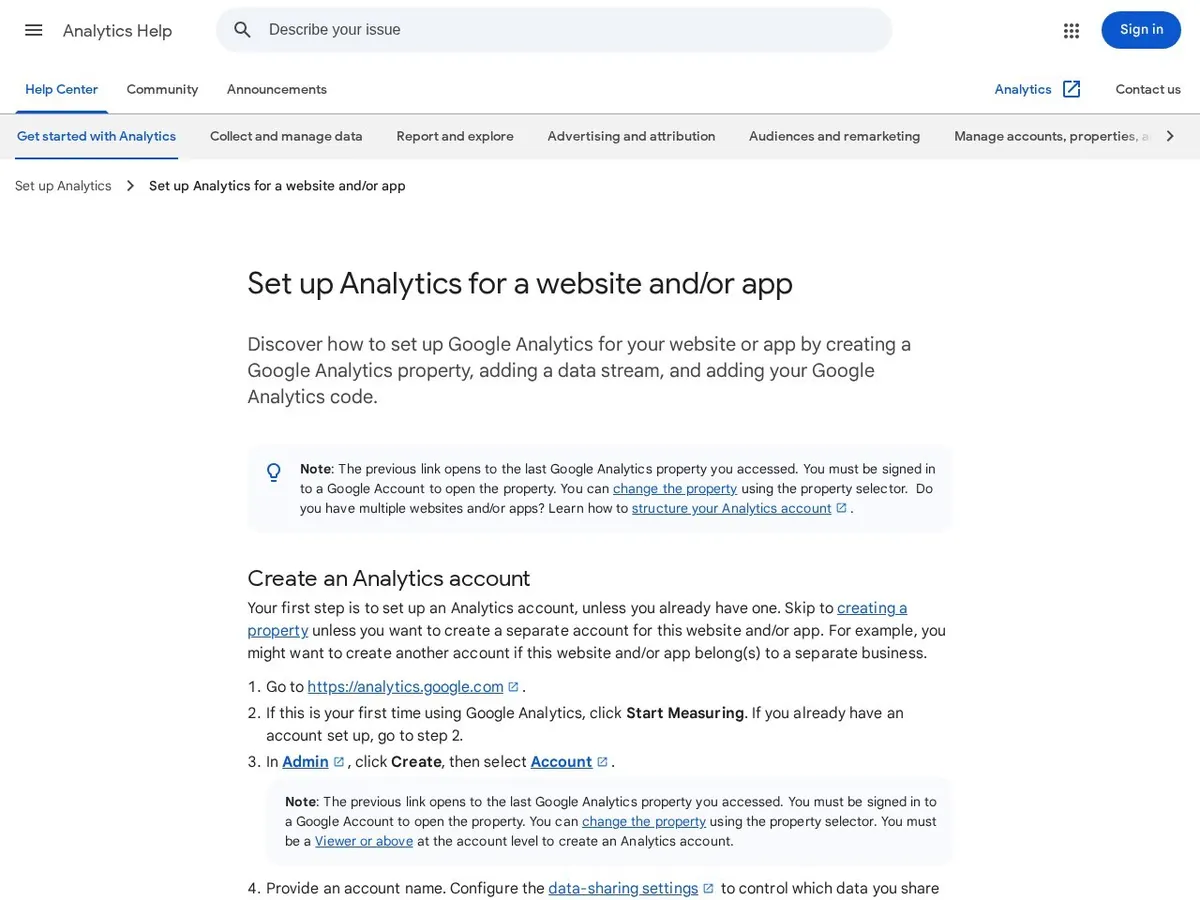
You need a Google account — the same one you use for Gmail or your Business Profile — and access to your website. The setup has three parts, and Google's own guide to setting up Analytics walks through each one:
- Create an account. Go to analytics.google.com, click "Start measuring", and give the account your business name.
- Create a property. A property is one website (or app). Enter your business name, your country (India), your time zone (IST), and your industry.
- Add a data stream. Choose "Web", enter your website address, and Google gives you a small piece of tracking code (a "measurement ID" starting with G-). That code goes on your website — in WordPress, most sites add it with a plugin like Site Kit, which takes five minutes and no coding.
Then wait: GA4 starts collecting the moment the code is live, but allow 24–48 hours before the reports show anything, and a few weeks before the numbers mean anything. Set it up now even if you only look at it properly next month.
One warning: install the code once, in one place. We have seen businesses with the code added three times — by the developer, a plugin, and the theme — and their visitor numbers were counted two or three times over.
3. The five reports that actually matter
GA4 has dozens of reports; for a small business, five are enough. Check them once a week — 15 minutes is plenty.
| Report | Where to find it | What it tells you |
|---|---|---|
| Traffic acquisition | Reports → Acquisition | Where visitors come from: Google search, social media, direct, or referral sites |
| Pages and screens | Reports → Engagement | Which pages people actually read, and which they leave in seconds |
| Events | Reports → Engagement | What people do: form submissions, phone taps, WhatsApp clicks, downloads |
| Demographics | Reports → Demographics | Rough age, location and device split |
| Tech details | Reports → Tech | Mobile vs desktop and browsers — if 80% of visitors are on phones, the site must work on phones first |
The single most useful habit: compare this week with last week, not with a random big number. A shop in Patna getting 200 visitors a week does not need to worry about a Delhi competitor's 20,000. What matters is whether your own numbers are moving in the right direction — and search results move over weeks, not hours, so judge trends over a month, not a day.
4. Practise first with Google's free demo account
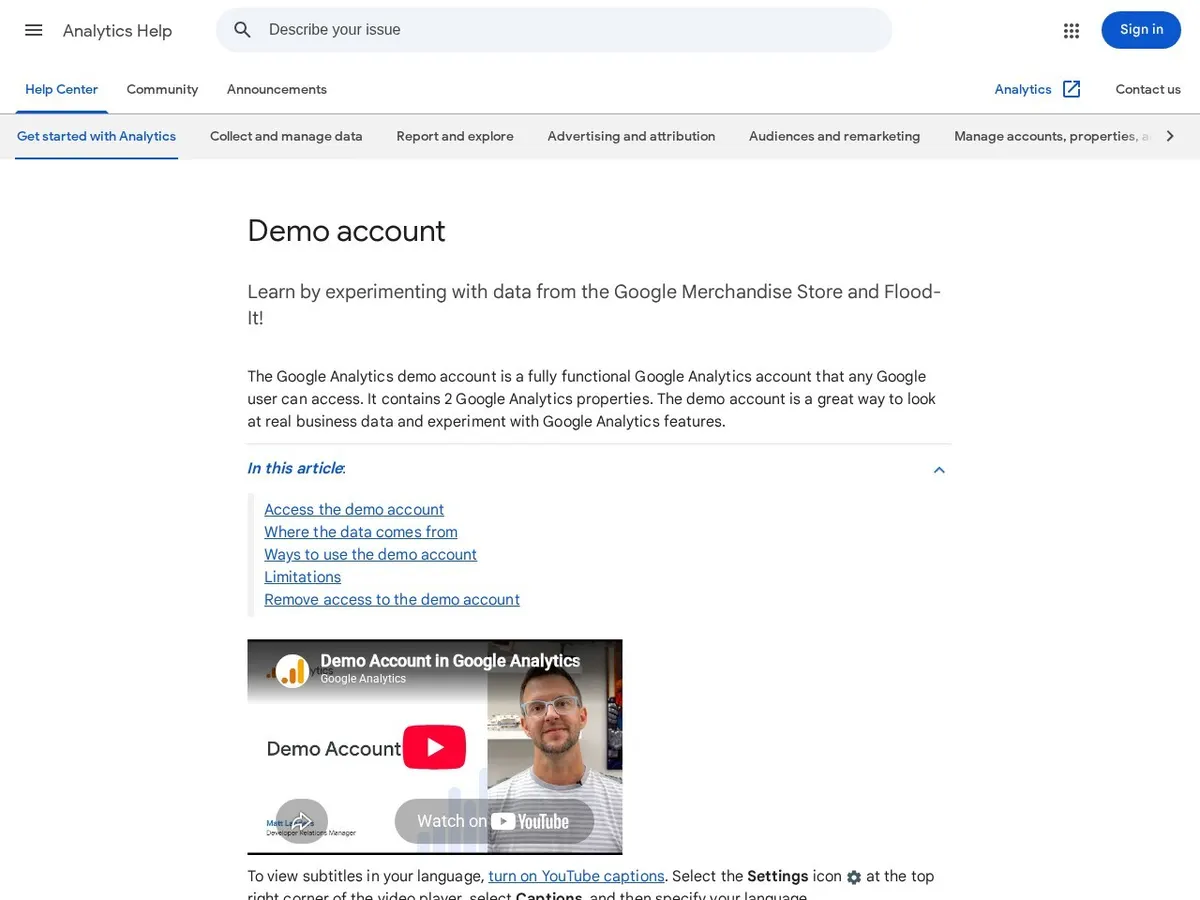
If GA4's empty dashboard feels intimidating, practise on someone else's data first. Google provides a free demo account filled with real data from its own merchandise store — you can click through every report and break nothing, because it is not your website. It is the fastest way to learn which report answers which question, and it costs nothing.
Once you are comfortable, set one simple goal in your own account: count every contact form submission or "call now" tap as a conversion. That single number — how many visitors became enquiries — is the only GA4 figure most small businesses need to watch closely.
5. What it costs, and the mistakes to avoid
GA4 itself is free, with no visitor limit that a small business will ever hit. There is a paid version, Analytics 360, aimed at large companies — if an agency quotes you for it, you almost certainly do not need it. What you might pay for is help: an Indian agency typically charges ₹3,000–₹10,000 as a one-time setup fee, or includes it in an SEO package. Our SEO services include GA4 setup and a plain-English monthly report.
Three mistakes we see again and again:
- Installing it and never opening it. GA4 only helps if someone looks at it. Fifteen minutes a week is enough.
- Comparing yourself to big brands. Your numbers only need to beat your own numbers from last month.
- Chasing vanity numbers. Ten thousand visitors who never enquire are worth less than a hundred who do. Watch conversions, not just traffic.
Questions people ask us
Is Google Analytics 4 really free?
Yes. The standard version of GA4 is free for businesses of any size. Only the enterprise version, Analytics 360, is paid — and a small business will not need it.
How long does it take to set up GA4?
About 30 minutes if you have access to your website: create the account and property, add the data stream, and paste the tracking code — or use a plugin like Site Kit on WordPress. Data starts collecting immediately, but give it 24–48 hours before the reports fill in.
Can GA4 show me who visited my website?
No — and it should not. GA4 shows anonymous, grouped behaviour: how many people came from Google, which pages they read, and how many submitted a form. It never shows names or phone numbers.
Do I still need GA4 if I already use Google Search Console?
Yes — they answer different questions. Search Console shows how people find you on Google; GA4 shows what they do after they arrive. Both are free.
GA4 will not bring you a single extra customer by itself. What it does is stop you spending money blind — on ads that do not convert, on pages nobody reads, on posts that bring clicks but no enquiries. Set it up this week, check the five reports every Monday, and within a month you will know your customers better than most competitors do. If you would like the setup and monthly reporting handled for you, tell us about your website and we will get GA4 running and explain what the numbers mean, in plain English.