Many Indian businesses want to sell online but stall at the same question: where do I actually start? A domain, a platform, a payment gateway, delivery partners, product photos — everything feels urgent at once, and it is easy to spend money in the wrong order.
Here is the short version: start small and in the right order. Pick one platform, list only your best 10–20 products first, set up UPI and card payments properly, agree your delivery and returns rules before you launch, and test a complete order yourself. A simple store that works beats a grand store that never opens.
Step 1: Choose one platform, and do not overthink it
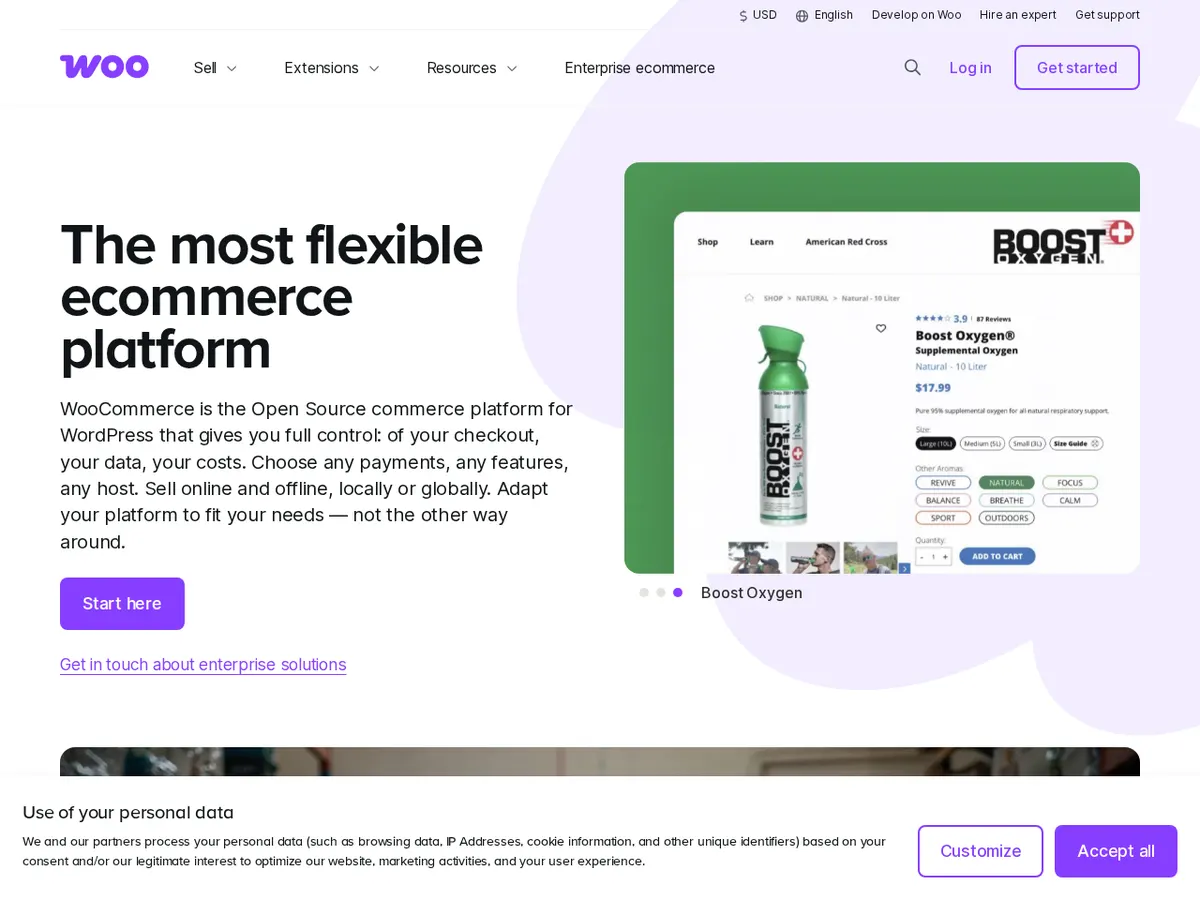
For most first-time sellers there are two sensible routes. A hosted platform such as Shopify rents you the whole shop — hosting, security, checkout and updates included — for a monthly fee. WooCommerce is a free plugin that turns a WordPress website into a store: no monthly platform fee, but hosting, updates and backups are your responsibility.
Neither is "better" for everyone. If you want to open quickly and dislike technical upkeep, a hosted platform is usually the calmer start. If you already have a WordPress site, want full control, or need many custom features later, WooCommerce can be the cheaper long-term home. We compared the trade-offs in detail in our guide to WordPress vs Shopify vs a custom website, and our Shopify store development services page shows what a done-for-you Shopify build includes.

Step 2: Sort the money basics before you design anything
Pretty pages do not pay you; a working payment setup does. Before launch, arrange these:
- A payment gateway. Indian customers expect UPI first, then cards and net banking, with cash on delivery if your margins allow it. Gateways normally ask for your PAN, bank details and business documents, and charge roughly 2% per successful transaction — check the current pricing page before you commit, because fees and settlement times differ.
- Your tax position. Whether you need GST registration depends on what you sell, where you sell it and your turnover, and the rules for online sellers have extra conditions. Take one short consultation with a CA before you launch rather than guessing; it is far cheaper than correcting invoices later.
- Clear prices. Decide whether delivery is free, flat-rate or calculated, and show it early. A surprise delivery charge at checkout is one of the most common reasons Indian shoppers abandon a cart.
Step 3: Write product pages a stranger can trust
Your first customers cannot touch the product, so the page must answer every doubt. For each product include:
- Clear photos from more than one angle, taken in honest light — a tidy phone photo beats a copied supplier image.
- The price, any discount shown plainly, sizes or variants, and what is in the box.
- Delivery time to a typical PIN code, and your returns rule in simple words.
- One short paragraph on who the product is for, written the way you would explain it in your shop.
Start with your best sellers only. Listing 200 products badly teaches you nothing; listing 15 products well shows you what people actually buy, which photos work, and where customers get stuck. Our deeper guide to Shopify development services for growing stores covers what to add once those first products are selling.
Step 4: Fix delivery and returns before the first order
Decide your courier route now: your platform's built-in shipping partners, an aggregator, or a local courier for nearby orders. Then write down three things on one page of your store: how long delivery takes, what it costs, and how a return or exchange works. Customers forgive a slow delivery they were told about; they rarely forgive a surprise.
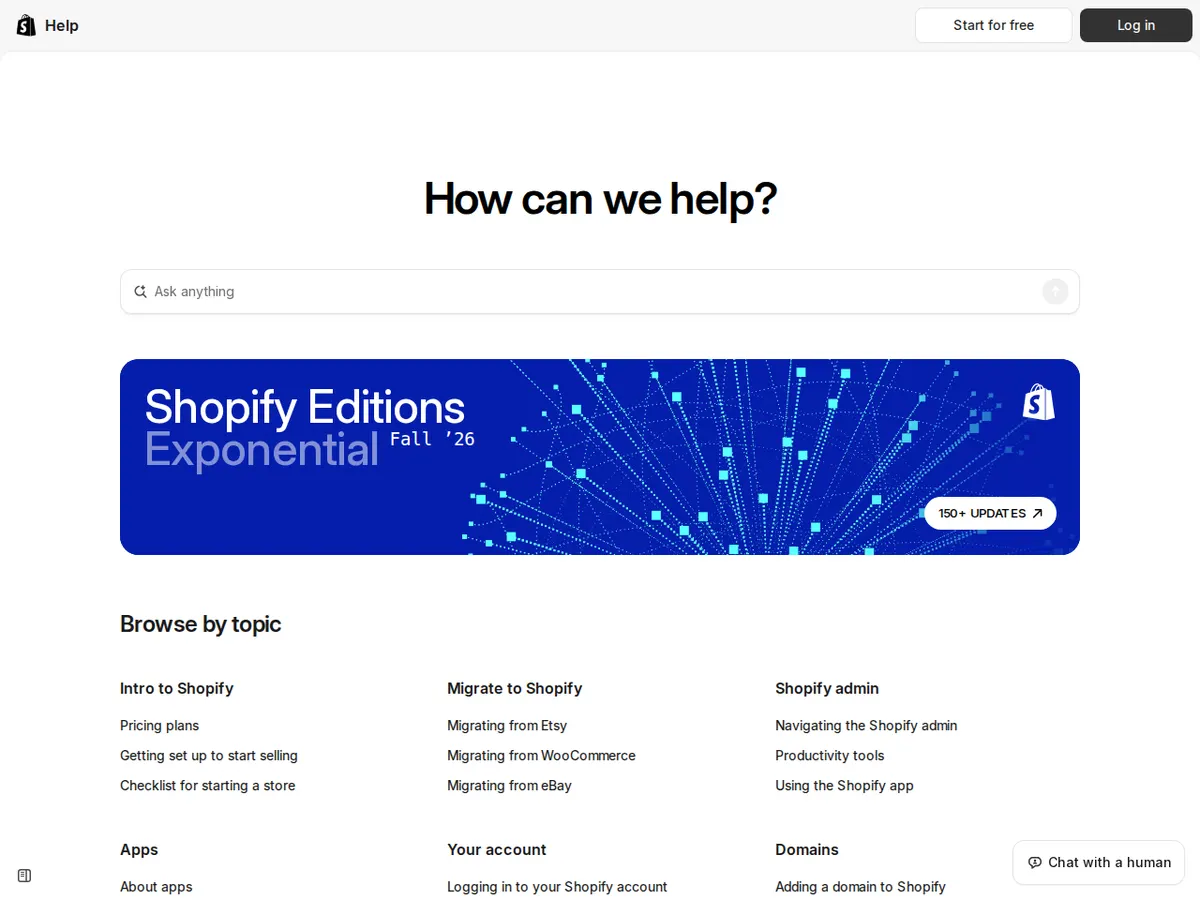
Shopify's official Help Center has step-by-step guides for orders, shipping and payments, and the official WooCommerce site documents its extensions for payments and shipping — bookmark whichever one matches your platform instead of relying on random videos.
What a first store honestly costs in India
| Item | Typical cost | Notes |
|---|---|---|
| Domain name | About ₹800–₹1,500 a year | A .in or .com name you own yourself, never in someone else's account. |
| Hosted platform (e.g. Shopify) | Plans commonly start around ₹1,500–₹2,000 a month, billed yearly on entry plans | Hosting and checkout included; apps can add monthly costs, so add them slowly. |
| WooCommerce route | Hosting roughly ₹3,000–₹10,000 a year, plugin itself free | Cheaper to run, but updates, backups and security are on you or your developer. |
| Payment gateway | Usually no setup fee; around 2% per transaction | Confirm UPI pricing and settlement time in writing before you sign up. |
| Professional setup help | From roughly ₹25,000 for a basic store setup, rising with design and custom features | Worth it if your time is better spent on products and customers; get the scope in writing. |
Notice what is missing: a big launch advertising budget. Your first month's job is proving that strangers can find a product, pay for it and receive it happily — not buying traffic to an untested store.
Step 5: Test like a customer, then launch quietly
Before you announce anything, place a real small order yourself on a phone: find the product from Google, add it to the cart, pay by UPI, and follow the confirmation email or WhatsApp message. Ask a friend to do the same without your help, and watch where they hesitate. Fix those points, check that your contact details and policies are easy to find, and only then share the link with your existing customers first — on WhatsApp, in your shop, and on your Google Business Profile.
If you would rather have the store built and tested for you, that is exactly our e-commerce web development work, part of our wider software development services. Tell us about your project — what you sell, how many products you will start with, and how you deliver today — and we will suggest the simplest platform and a fixed scope, including what you can safely do yourself.
Questions people ask us
How many products do I need to start an online store?
Fewer than you think. Ten to twenty good product pages are enough to learn what sells and to test payments and delivery properly. You can add the rest once the basics are proven.
Shopify or WooCommerce — which is cheaper?
WooCommerce is usually cheaper to run month to month, while Shopify costs more but includes hosting, security and updates. The honest comparison includes your time: if you will pay someone to maintain WooCommerce, the gap shrinks.
Can I sell online without GST registration?
It depends on your turnover, what you sell and whether you sell through marketplaces or only your own store, and the rules have specific conditions for online sellers. Please confirm your position with a CA or the official GST portal before launch rather than relying on general advice.
How long does it take to launch a first store?
A basic store with 10–20 products, payments and delivery set up typically takes two to four weeks, including testing. Most delays come from product photos, prices and policy decisions, not from the technology.