Here is an uncomfortable truth: most hacked small business websites were never targeted. Nobody sat down and chose your coaching centre's site or your boutique's online store. Automated bots scan millions of websites every day, looking for the easiest ones to break into — the site with no SSL, the admin password set to "admin123", the plugin that has not been updated in two years.
The short answer: a small business website stays safe when four basics are in place — a valid SSL certificate, strong passwords with two-factor authentication, regular updates, and automatic backups. None of these is expensive. Most of them are free. Together, they stop the large majority of attacks that hit Indian small businesses.
1. Get SSL right — the padlock is not optional
If your website address still starts with http instead of https, fix this first. SSL (the padlock in the browser) encrypts the connection between your visitors and your site, so passwords and payment details cannot be read on the way. Google also treats HTTPS as a ranking signal, and Chrome warns visitors away from sites without it.
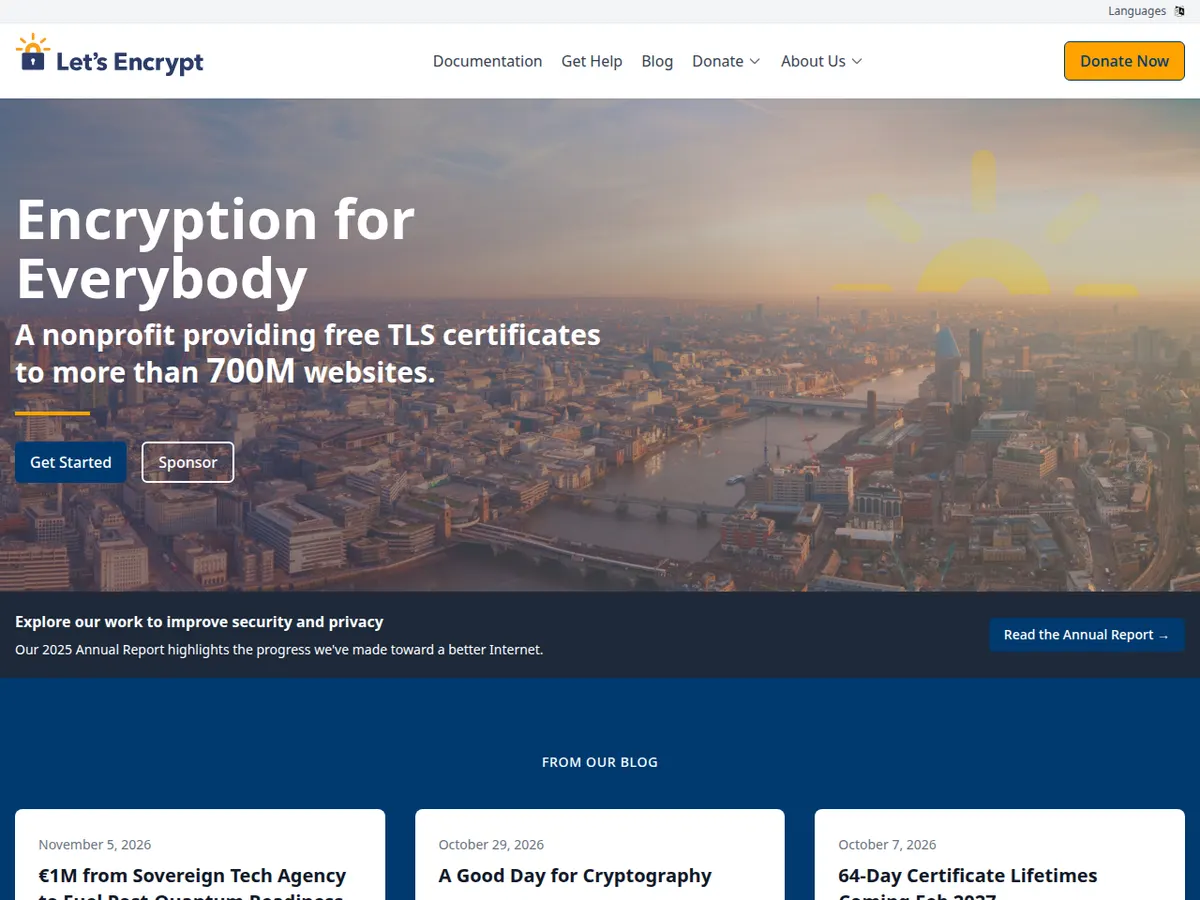
The good news is that SSL no longer costs anything. Free certificates from Let's Encrypt are trusted by every browser, and most Indian hosting companies install them in one click from the hosting panel. Check your own site today: open it in a private browser window and look for the padlock. If it is missing, ask your host to enable the free SSL — it usually takes under an hour.
2. Passwords: boring, long, and different everywhere
Weak passwords are still the most common way into a small business website. The admin login of a typical WordPress site gets attacked hundreds of times a day by bots trying common passwords. The fix is simple and costs nothing:
- Use a long password. Four random words with a number in between ("mango-river-42-chair") are far stronger than a short jumble of symbols, and much easier to remember.
- Never reuse the admin password. If your email password leaks in a data breach, your website should not fall with it.
- Turn on two-factor authentication (2FA). Even if someone guesses your password, they still need the code from your phone. WordPress has free 2FA plugins; Shopify and most hosting panels offer it built in.
- Limit login attempts. A plugin that locks an account after five failed tries stops the bots that try thousands of passwords a day.
Also delete accounts you no longer use — the old developer's login, the intern who left in 2024. Every extra account is an extra door.
3. Keep everything updated — updates are security patches
Most WordPress and plugin updates are not about new features. They fix security holes that hackers already know about. When a vulnerability is announced, bots start scanning for unpatched sites within hours. A site running a plugin from 2023 is an open invitation.
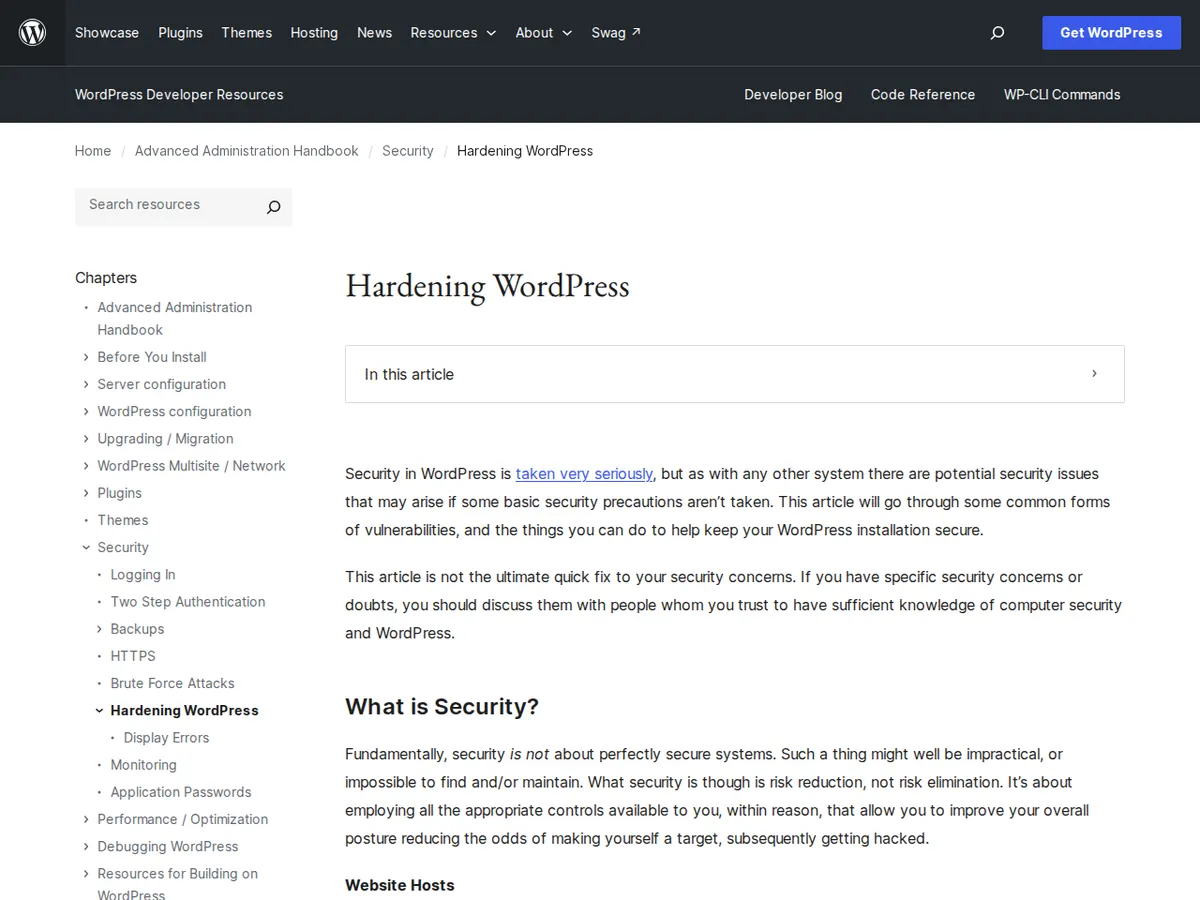
The official WordPress hardening guide recommends exactly this: keep the core, themes and plugins on their latest versions, and remove anything you do not use. An inactive plugin is still code on your server, and it can still be attacked. Set a weekly reminder — every Monday morning, ten minutes: update, check the site still loads, done. If updates feel risky because your site was custom-built, our website maintenance services cover tested updates and daily checks, so a bad update never takes your site down.
4. Add a security plugin and a firewall
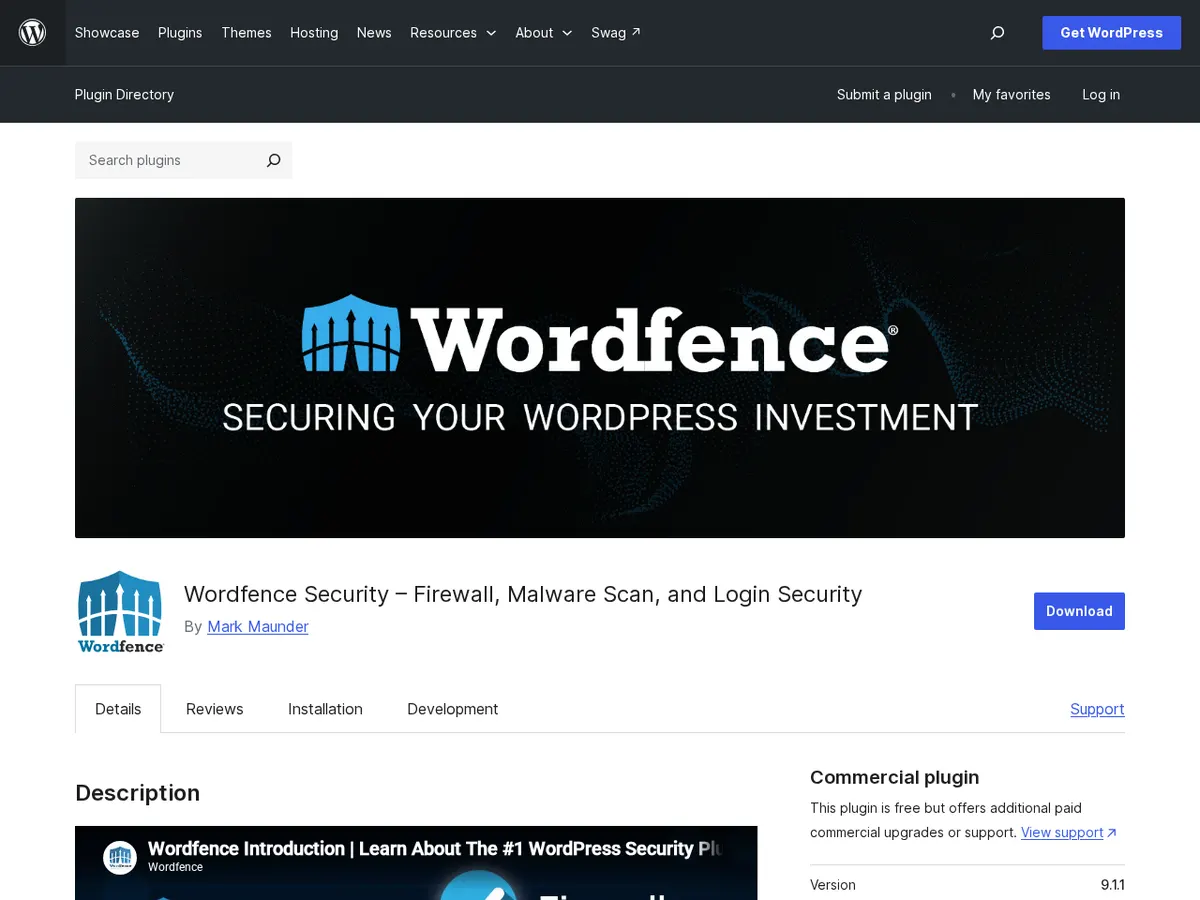
A good security plugin watches your site while you sleep. It blocks repeated login attempts, scans files for malware, and alerts you when something changes. Wordfence is the most widely used free option for WordPress — its free version includes a firewall and a malware scanner — while Sucuri and Cloudflare offer a similar shield for any platform. Most of them cost nothing to start, with paid plans from roughly ₹3,000 to ₹8,000 a year.
A web application firewall (WAF) sits in front of your site and blocks known attack patterns before they reach it. Cloudflare's free plan includes basic WAF protection and is a sensible first step for any small business site. Do not install three security plugins at once — they fight each other and slow the site down. Pick one and configure it properly. If your site was custom-built for your business, ask your developer to confirm which security layer is already in place.
5. Backups: the one thing that saves you when everything else fails
Even a well-protected site can be hacked, and sometimes the fastest fix is restoring a clean copy. That only works if a backup exists. Your hosting company probably takes backups, but do not rely on them alone: hosts keep backups for a few days, and restoring one can take a support ticket and a day of waiting.
Set up your own automatic backup, stored away from your website — on Google Drive, Dropbox, or another server. A WordPress plugin like UpdraftPlus (free) can back up daily and store the copy off-site automatically. Test the backup once: restore it to a test folder and confirm the site works. A backup you have never tested is a hope, not a plan. Our website maintenance checklist makes this a monthly habit.
Your monthly security checklist
| Task | How often | Cost |
|---|---|---|
| Check the SSL padlock is valid | Monthly | Free |
| Update core, themes and plugins | Weekly | Free |
| Review user accounts and remove old ones | Monthly | Free |
| Run a malware scan | Weekly | Free |
| Verify an off-site backup restores | Monthly | Free – ₹500/month |
| Change admin password | Every 3 months | Free |
Notice the pattern: almost everything on this list is free and takes minutes. Security for a small business is not a ₹50,000 project — it is a handful of habits. Google's own guide on securing your site with HTTPS explains why the padlock matters for search visibility as well as safety, and our WordPress vs Shopify vs custom website guide covers how the security picture differs on each platform.
Website security is not about being paranoid. It is about closing the easy doors so the bots move on to someone else's site. SSL, strong passwords with 2FA, weekly updates, one good security plugin and a tested backup — get those five right and your business website is safer than most of the internet. If you would like someone to check your site properly, tell us about your website and we will run a security review with you.
Questions people ask us
How much does website security cost for a small business?
The basics are free: SSL from Let's Encrypt, strong passwords with 2FA, updates and a free security plugin. A sensible paid setup — a premium security plugin and off-site backups — runs about ₹3,000 to ₹8,000 a year.
Can a small business website really get hacked?
Yes — small sites are hacked more often than big ones, precisely because attackers know they are rarely maintained. Bots scan the whole internet automatically; your site does not need to be important to be a target.
How do I know if my website has been hacked?
Common signs: Google warns visitors the site is unsafe, strange links or pages appear, the site redirects to another website, or you get emails about password changes you did not make. A weekly malware scan catches most of these early.