Sooner or later, most businesses outgrow their website's first home: slow hosting, a domain that no longer fits, or a platform that cannot do what the business needs. Moving a website sounds simple — copy the files, point the domain, done — but done carelessly, it can wipe out months of Google rankings overnight.
The short answer: a safe migration is mostly preparation. Back up everything, map every old URL to its new address, set up proper 301 redirects, and watch Google Search Console for two weeks after the move. Do those four things and your rankings, traffic and enquiries should survive intact. Here is each step.
1. What "website migration" actually means
The word covers several very different jobs, and each one carries a different level of risk:
| Type of move | What changes | Risk to rankings |
|---|---|---|
| New hosting only | Server, not the site or URLs | Low — if done carefully |
| New domain name | Every URL changes | Medium — redirects are everything |
| New platform (e.g. Wix to WordPress) | Design, URLs, structure | High — needs a full URL map |
| HTTP to HTTPS | Every URL gains an "s" | Low — standard practice now |
Most small business moves combine the first two: a new host and, sometimes, a new domain. Google has published how it wants moves handled. If you are also changing platforms, our website migration and upgrade services handle the whole move.
2. Before you move anything: back up, then map your URLs
Two jobs come before any file is copied. First, take a complete backup — files and database — and download a copy to your own computer, not just the server. If anything goes wrong mid-move, a backup you can reach is the difference between an hour's delay and a lost website. Backups are also part of routine care; our monthly website maintenance checklist shows how to keep them on schedule.
Second, list every URL on your current site and decide where each one goes — usually 10–50 pages for a small business. A simple spreadsheet works: old URL in one column, new URL in the next. Pages that will not exist any more still need a destination: redirect them to the closest matching page, never to the homepage.
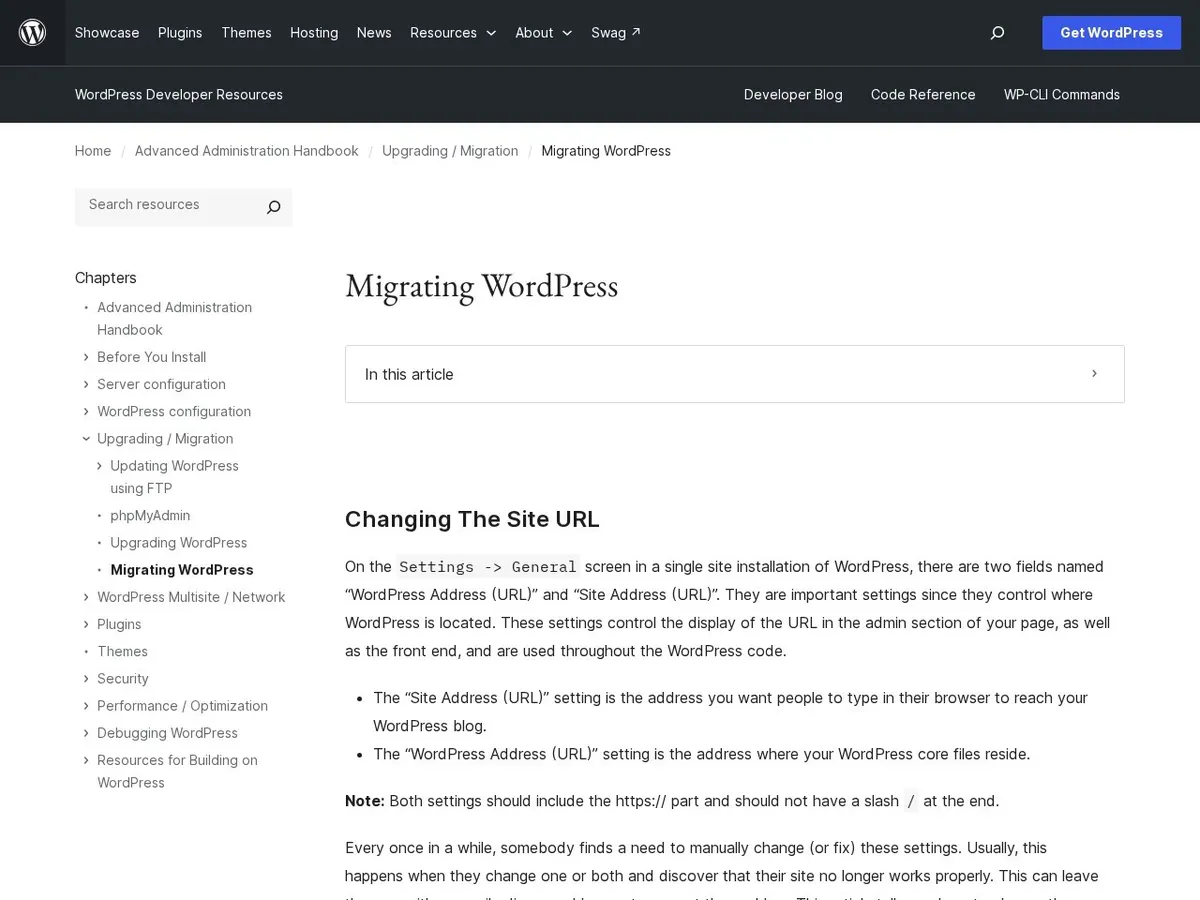
For WordPress sites, the official documentation explains the two settings that control your site's address — get them wrong and the site breaks. WordPress's own guide to moving WordPress walks through changing the URL, moving the files and updating the database.
3. Redirects: the one step that saves your rankings
A 301 redirect is a permanent forwarding instruction: anyone visiting the old address is sent to the new one, and most of the old page's ranking value travels with it. Without redirects, every old URL becomes a 404 error, and Google slowly drops those pages. That is how a business "loses its SEO" overnight.
Three rules make redirects work:
- One-to-one, not one-to-many. Every old page should point to its matching new page, not all to the homepage.
- 301, not 302. A 301 means "moved permanently"; a 302 means "temporarily away" and passes little ranking value.
- Test before you switch off the old site. Click through your redirect list on the new server while the old site is still live, and fix the broken ones.
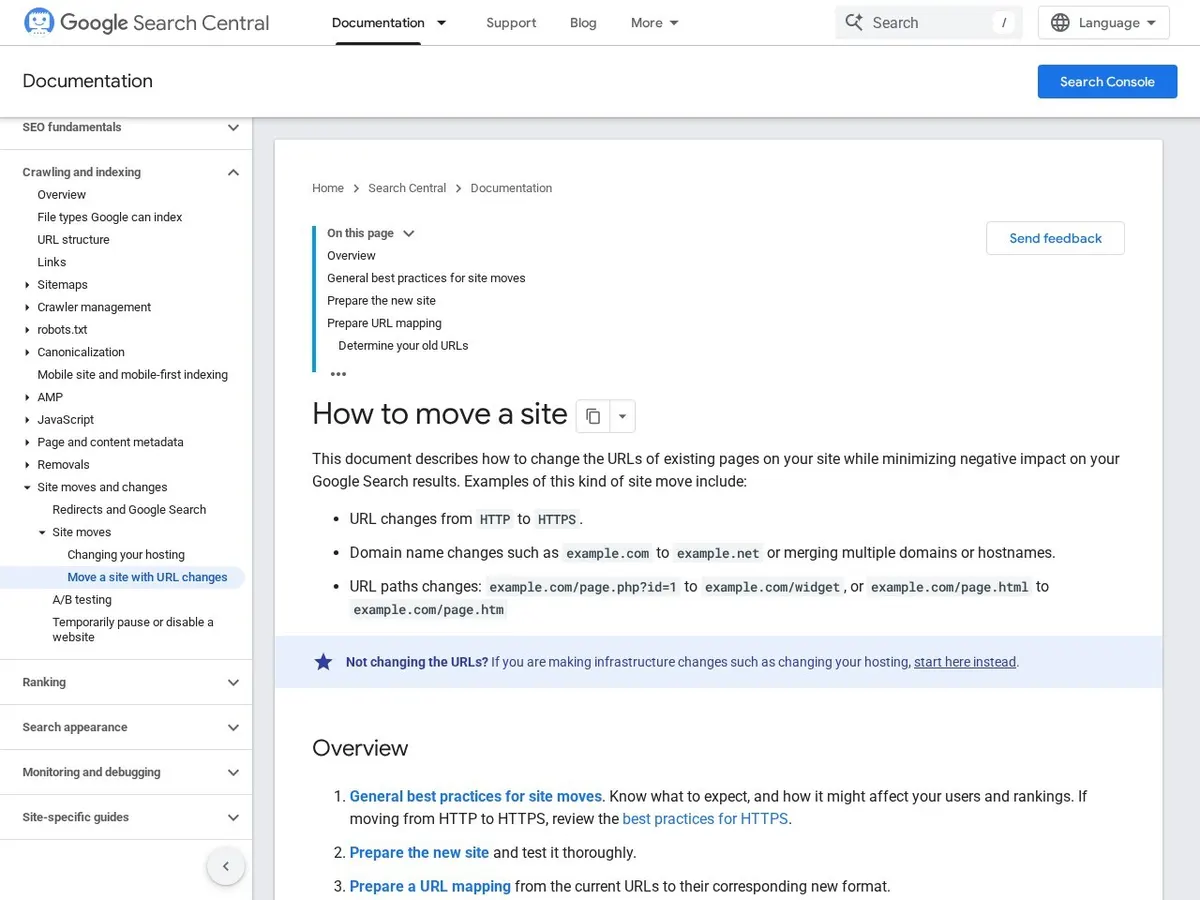
Google's site move guide on Google Search Central explains exactly what Google expects: prepare and test the new site, map every URL, then redirect and tell Google. If your developer's plan disagrees, trust Google's version.
4. Move day: the checklist
Pick a quiet time — a Sunday evening works well for most small businesses — and work through this list in order:
- Put the old site in maintenance mode so nobody places an order or submits a form mid-move.
- Copy files and database to the new host, then test the new site on a temporary address first.
- Check the essentials: homepage loads, contact form sends, payment page works, images show, and the site loads over HTTPS.
- Switch the domain (DNS) to the new host and wait for it to spread — usually a few hours, sometimes up to a day.
- Turn on the 301 redirects, then spot-check ten of them yourself.
- Update your sitemap with the new URLs and submit it in Search Console.
Budget realistically: a small WordPress site takes a developer 4–8 hours to move, and an agency in India usually charges ₹5,000–₹25,000 depending on size — far cheaper than rebuilding lost rankings. If the move also involves a redesign, our WordPress development services cover both together.
5. After the move: watch Search Console for two weeks
The move is not finished when the new site loads. Google needs days — sometimes two to three weeks — to find the new addresses, follow the redirects and update its index. A small, temporary dip is normal. A sharp, lasting drop is not, and usually means a redirect is missing or broken.
Check three things in Search Console during the first fortnight: the coverage report for a sudden rise in 404 errors, the performance report for any page whose clicks have fallen off a cliff, and the change of address tool if you changed domains. Fix any 404 that used to be a real page — a redirect is missing. Keep the redirects live for at least six months, ideally a year: old links, WhatsApp shares and bookmarks keep pointing at the old URLs.
One honest expectation: even a perfect migration needs a few weeks for rankings to settle, because Google re-crawls every moved page. That is normal — very different from the permanent loss of skipping redirects. Our guide to how long SEO takes explains why search moves on a timeline of weeks, not hours. If the migration is part of a bigger rebuild, our software development services cover the new site from planning to launch.
Questions people ask us
Will changing my hosting affect my Google rankings?
By itself, no — if the site, URLs and content stay the same and the new host is fast and reliable. A slow or often-down host can hurt rankings, so the move is often an improvement. The risk is changing URLs or structure without redirects.
How long does a website migration take?
A small business website (10–50 pages) usually moves in one day: a few hours of preparation, a couple of hours on move day, and up to 24 hours for the domain change to spread. Larger sites need a few days of planning and testing.
Do I need to tell Google when I change my domain?
Yes. Set up 301 redirects from every old URL, submit the new sitemap, and use the change of address tool if the domain changed. Skipping these is the most common reason migrations lose traffic.
How much does a professional website migration cost in India?
For a small WordPress or business site, agencies typically charge ₹5,000–₹25,000. Larger sites, online stores or platform changes (for example Wix to WordPress) cost more. Ask whether redirects, testing and two weeks of post-move checks are included.
A website move is one of those jobs where an hour of preparation saves a month of repair. Back up, map, redirect, test — and watch Search Console. If you would rather have the whole move handled, tell us about your website and we will plan it and check the rankings afterwards.