For most small businesses in India, the real sales counter is not the website or even the shop. It is WhatsApp. Customers ask prices, send product screenshots, and confirm orders there. If you are not using it properly, your hardest selling happens on the channel you have set up the least.
Here is the short version: start with the free WhatsApp Business app, complete your profile, add a catalogue, put your chat link everywhere, and send broadcasts only to people who agreed to hear from you. That alone, done consistently, is enough for most small businesses. Paid tools and ads come later, only if the volume earns them.
Why WhatsApp works so well in India
Almost every smartphone user in India already has WhatsApp, checks it many times a day, and trusts a chat more than an email. Nobody has to install or learn anything new. That is why a simple WhatsApp follow-up often gets a reply when three emails got silence.
It also matches how Indians like to buy: ask a few questions, bargain a little, see a photo, then decide. WhatsApp lets a small shop offer that personal conversation at scale. Used well, it supports the same work as our social media marketing services: it just happens in the chat window instead of the feed.
Step one: set up the WhatsApp Business app properly
Download the separate WhatsApp Business app (free) instead of using your personal WhatsApp for work. Then spend one focused hour on these basics most businesses skip:
- Use a dedicated number. A separate SIM keeps work chats off your personal phone, and the number can move to a staff member or a tool later without chaos.
- Complete the business profile. Business name, logo, address, timings, email, website, and a two-line description of what you sell. This profile is what a new customer checks before trusting you.
- Build the catalogue. Add your main products or services with a clear photo, price, and one-line description, so customers can browse and ask about an exact item instead of you sending photos one by one all day.
- Set a greeting and an away message. The greeting thanks a first-time customer and says when you reply; the away message covers nights and holidays so nobody feels ignored.
- Save quick replies. Price list, delivery charges, payment details, location, return policy: the answers you type twenty times a week should be one shortcut away.
- Use labels. Tag chats as new enquiry, payment pending, order confirmed, delivered, repeat customer. Labels turn a messy chat list into a simple pipeline.
Step two: bring people into the chat
A set-up profile earns nothing if nobody starts a chat. WhatsApp gives you a free chat link (wa.me followed by your number) and a QR code for it. Put them everywhere:
- Your Google Business Profile, website contact page, and a WhatsApp button on your website.
- Instagram and Facebook profiles, and the bio link your posts point to.
- A printed QR at the billing counter, on packaging, bills, and delivery boxes.
- Your email signature and the visiting card you still hand out.
Every person who starts a chat this way has chosen to talk to you, and that consent is exactly what lets you message them later. It is the same principle we covered in our guide to getting more Google reviews: earn the contact honestly, then stay in touch usefully.
Step three: broadcasts that sell without spamming
The broadcast feature sends one message to many customers at once, and it is where most businesses go wrong. The rules that keep it working:
- Only message people who opted in. Broadcasts in the app only reach people who saved your number anyway, which is WhatsApp's own quiet consent check.
- Send less than you want to. One or two useful broadcasts a week is plenty: a genuine offer, a new arrival, a restock, a festival reminder. Daily blasting trains people to block you.
- Make every message earn its place. A clear photo, the price, and one simple next step ("Reply YES to book"). If you would be annoyed receiving it, do not send it.
- Respect exits instantly. If someone says stop, remove them and never argue. Enough blocks can get your number restricted.
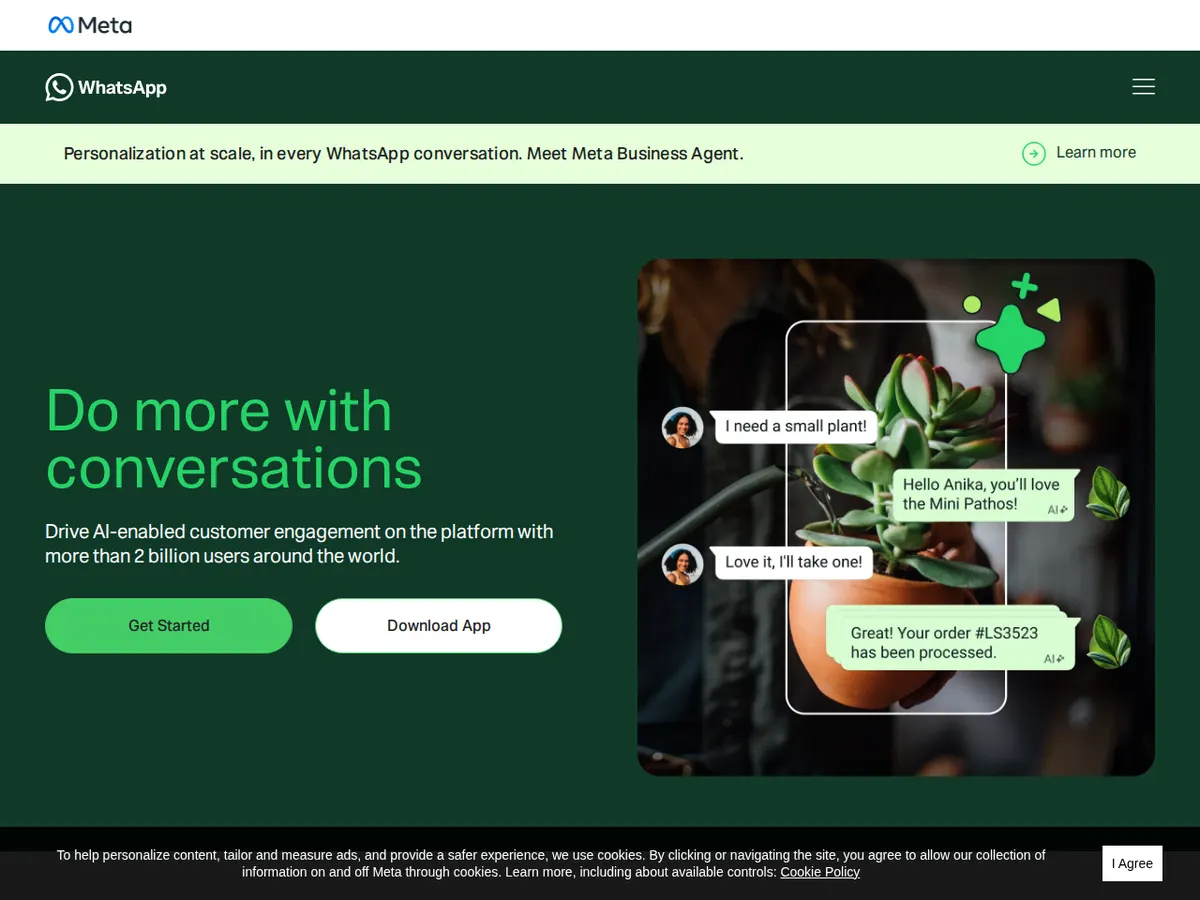
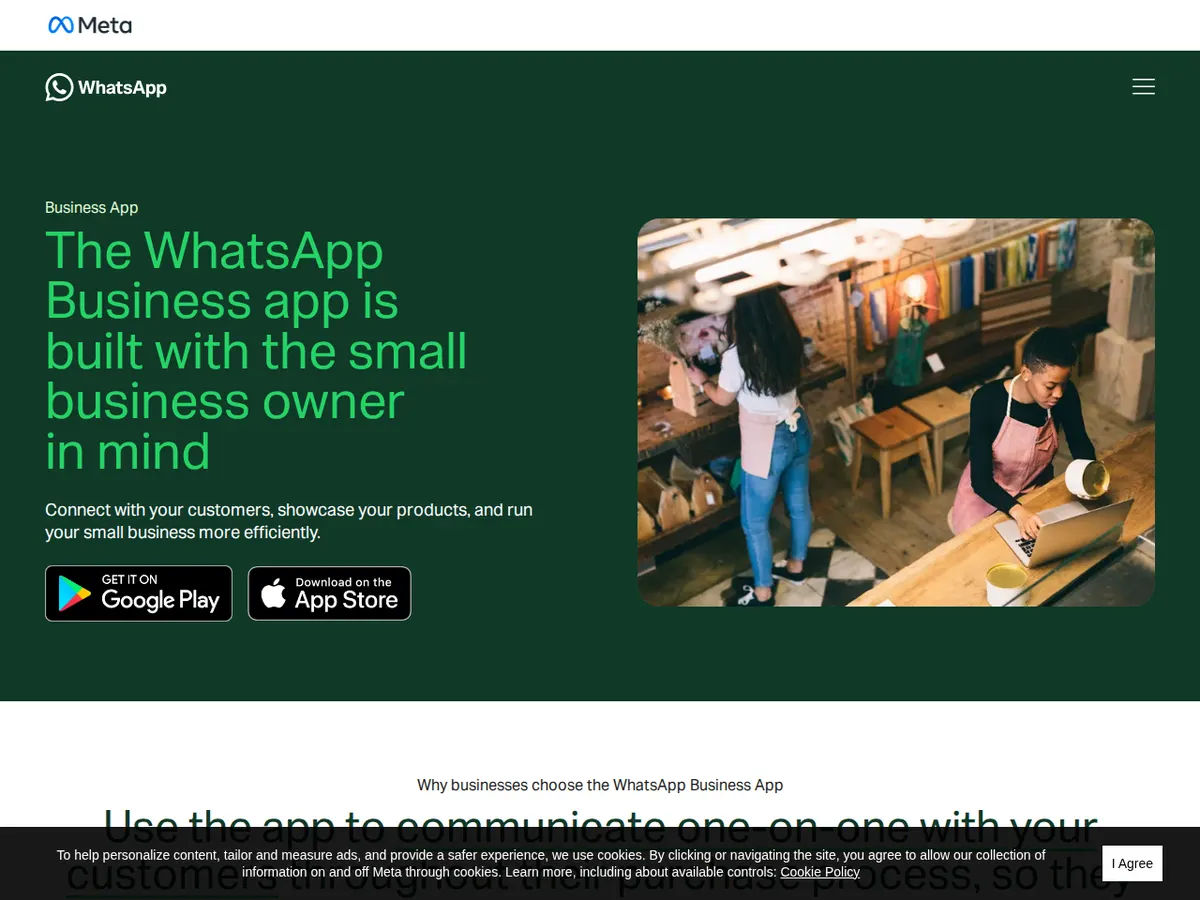
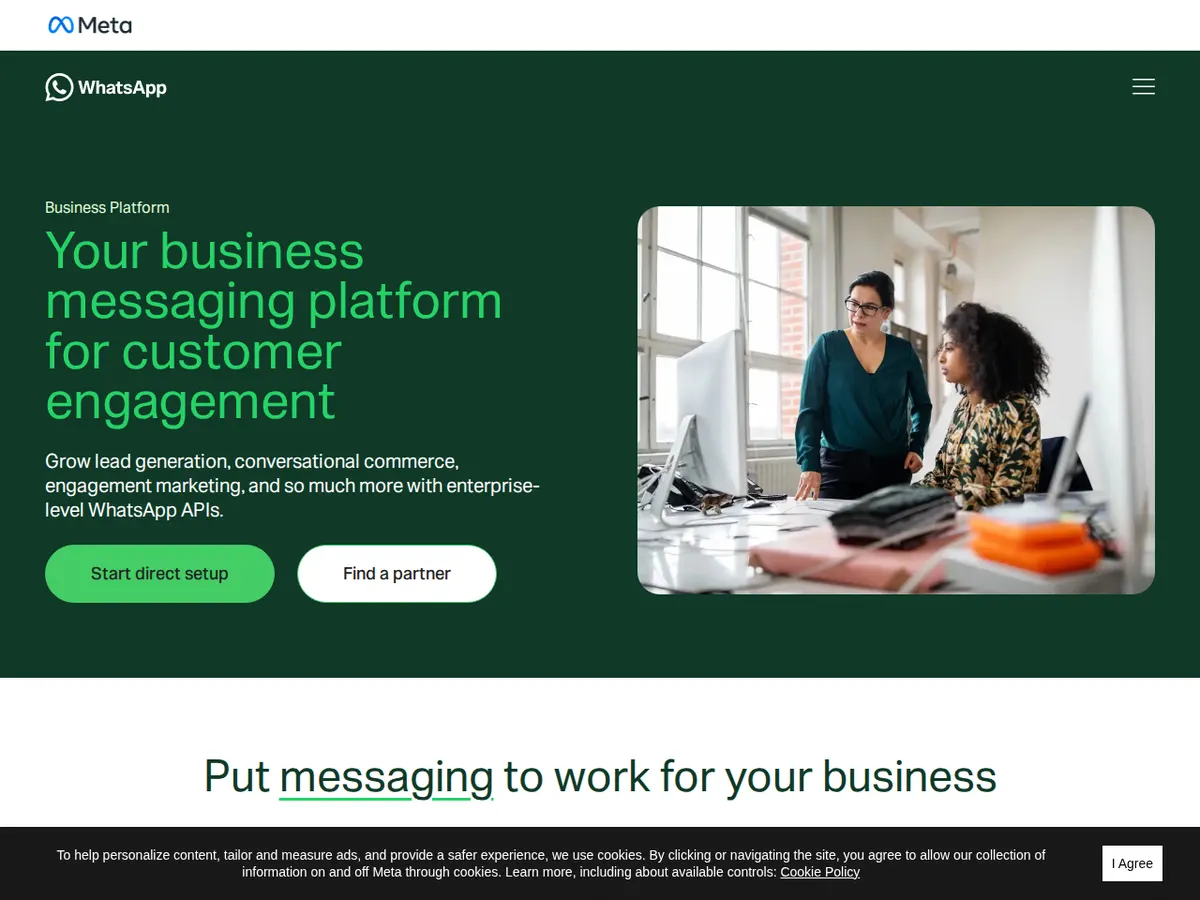
When your list outgrows the app, the next step is the WhatsApp Business Platform, the API version used with a software provider: approved template messages, multiple staff on one number, and automation like order updates. Meta describes both routes on its official WhatsApp Business site, and its Business app page shows which size of business the free app is built for.
What WhatsApp marketing honestly costs
| Route | Typical cost | Right for |
|---|---|---|
| WhatsApp Business app | Free (plus a SIM/number) | Most small businesses: one or two people replying, up to a few hundred regular customers. |
| Business Platform via a provider | Provider plans commonly start around ₹1,000 a month, plus Meta's per-message charges, which vary by message type and country | Teams sharing one number, high volumes, template broadcasts and order/shipping automation. |
| Click-to-WhatsApp ads | You choose the budget; many small businesses test with ₹200–₹500 a day | Bringing new enquiries from Facebook and Instagram straight into a chat instead of a landing page. |
Notice what is not on this list: buying a "database" of phone numbers. Those lists are usually scraped or resold without consent, and messaging them is the fastest way to get your number reported and banned. There is no honest shortcut here, as our guide to social media marketing on a small budget also warns.
A simple 30-day starting plan
Week one: install the Business app on a dedicated number, complete the profile, and add your top ten products or services to the catalogue. Week two: add quick replies and labels, and put your chat link and QR code on your profiles, website, counter and bills. Week three: tell existing customers they can order and ask on WhatsApp, and label every new contact. Week four: send your first broadcast, one genuinely useful offer to people who opted in, and note the replies and orders it brings. That number, not anyone's promise, tells you whether to invest more.
If you would rather have the whole system set up properly, profile, catalogue, website chat button, and a broadcast routine your team can follow, that is part of our wider digital marketing services. Tell us about your project and we will suggest the simplest setup that fits your size: free app first, paid tools only when volume justifies them.
Questions people ask us
Is WhatsApp marketing legal and allowed?
Yes, when it is permission-based. Messaging customers who gave you their number and agreed to updates, through the official Business app or Platform, follows WhatsApp's rules. Buying lists and blasting strangers risks a ban.
How many broadcast messages can I send from the app?
A broadcast list in the app holds up to 256 contacts, and you can create multiple lists. The message only reaches people who saved your number, another reason to ask customers to save it.
Should I use my personal number for business WhatsApp?
We advise against it. A dedicated number keeps personal chats private, lets staff share the work later, and keeps the asset with the business if people change.
When should I move from the free app to the paid Platform?
When one phone cannot handle the volume, several staff need the same number, or you need automated order updates. Until then, the free app plus good habits carries most small businesses surprisingly far.