When someone near you searches "dentist near me", "best salon in Patna" or your business name on their phone, the first thing they usually see is not your website. It is your Google Business Profile — the box on Google Maps and Search with your name, rating, photos, phone number and opening hours. And here is the good part: it is completely free.
The short answer for busy owners: claim your profile, verify it, fill every section honestly, add real photos, list your services with prices where you can, and keep reviews and updates flowing every week. A half-filled profile is one of the most common — and most fixable — reasons local businesses lose customers to competitors.
What a Google Business Profile actually does
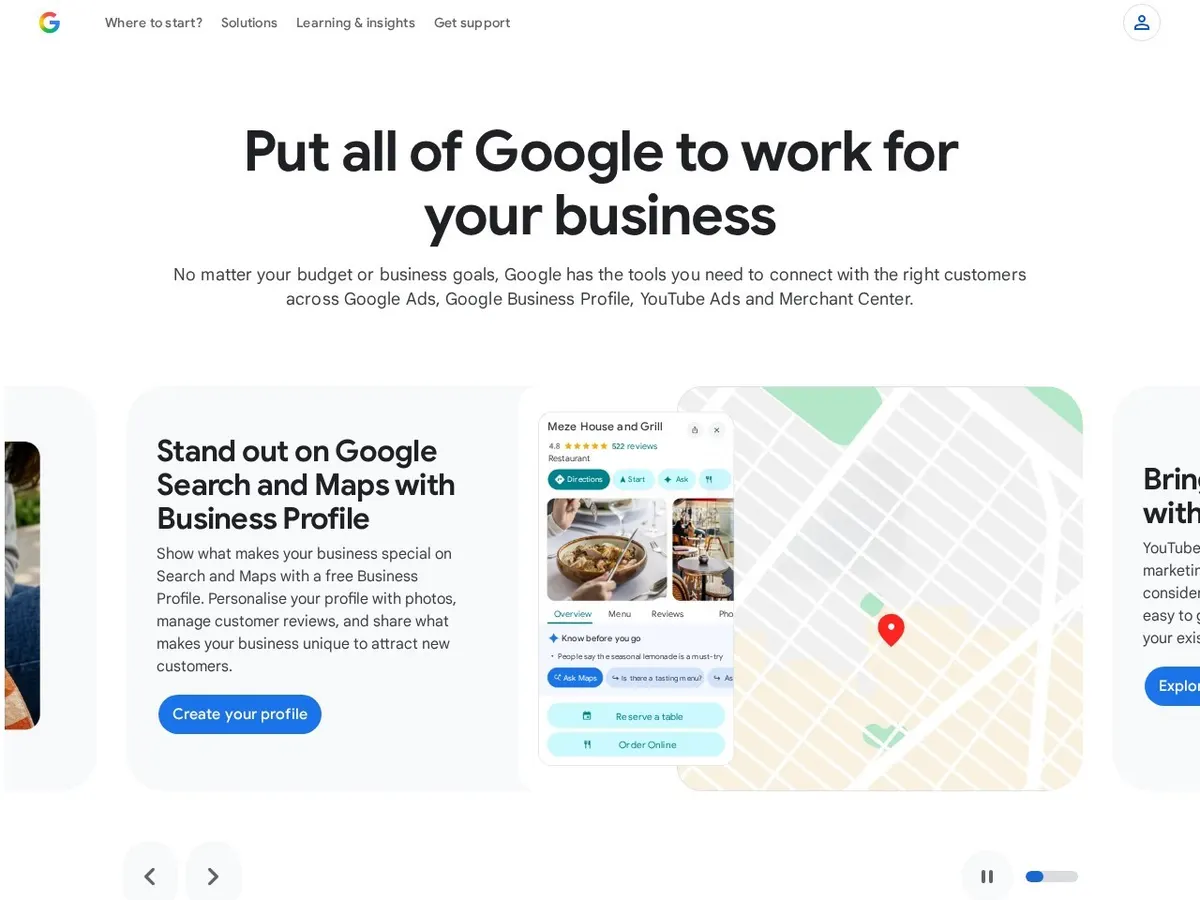
Your profile is what puts you on Google Maps, in the "map pack" of three businesses shown above normal search results, and in the panel when people search your name. For most local searches, that map pack gets the calls — not the websites below it. A customer can tap to call, get directions, check if you are open, and read reviews without visiting your website.
Your website still matters: the profile wins the first look, the website wins the trust check that follows. That is why a Business Profile sits at the centre of any serious local SEO work.
Step 1: Claim or create your profile
Search your business name on Google Maps first. Many businesses already have a profile Google created from public data — if so, claim it instead of making a duplicate, which would split your reviews. If nothing exists, go to google.com/business, sign in with a Google account your business controls (not an employee's personal account), and add your business.
Use your real business name — exactly as it appears on your shop board and bills. Do not stuff keywords into the name, like "Best Cheap Salon Hair Spa Patna". Google suspends profiles for that, and a suspension takes far longer to fix than the small ranking gain was ever worth.
Step 2: Choose the right categories
Your primary category is one of the strongest ranking signals you control. Choose the most specific category that describes what your business is: "Dental clinic", not "Clinic". Then add secondary categories for other real services — a dental clinic might add "Cosmetic dentist" and "Dental implants provider" if it genuinely offers both.
Step 3: Verify your business
Google will not fully publish your profile until you prove the business is real and you run it. Verification is by video recording, postcard, phone or email, depending on the business. Video is now common in India: you record your shop front, signage and proof you manage the business in one continuous clip. Most profiles go live within a few days of successful verification.
Step 4: Fill every section — completely
| Section | What to add | Common mistake |
|---|---|---|
| Address & service area | Exact address with correct PIN code; if you visit customers, hide the address and set your service areas instead | Wrong map pin — customers get directions to the wrong lane |
| Hours | Regular hours plus special hours for festivals and holidays | Showing "Open now" when you are actually closed |
| Phone & website | A number that is actually answered in working hours, linked to your real website | An old number, or a WhatsApp-only number nobody monitors |
| Services & products | Each service named the way customers search for it, with a short description and price or starting price | Leaving this blank — it is free advertising space |
| Description | 750 characters on what you do, who you serve, and since when — in plain words | Copy-pasting a sales slogan full of offers Google may flag |
| Attributes | Honest ticks: parking, wheelchair access, women-led, payment options, and similar facts | Claiming facilities you do not have — reviews will expose it |
Step 5: Add real photos — and keep adding them
Profiles with good photos get noticeably more calls and direction requests than bare ones. Start with 10–15 real photos: your shop front (so people recognise it from the road), the interior, your team at work, and your actual products or finished work. Use your own phone photos in good light — real and recent beats polished and fake, and customers spot stock photos instantly.
Then make it a habit: a few fresh photos every month. Google favours active profiles, and your newest work is your best advertisement.
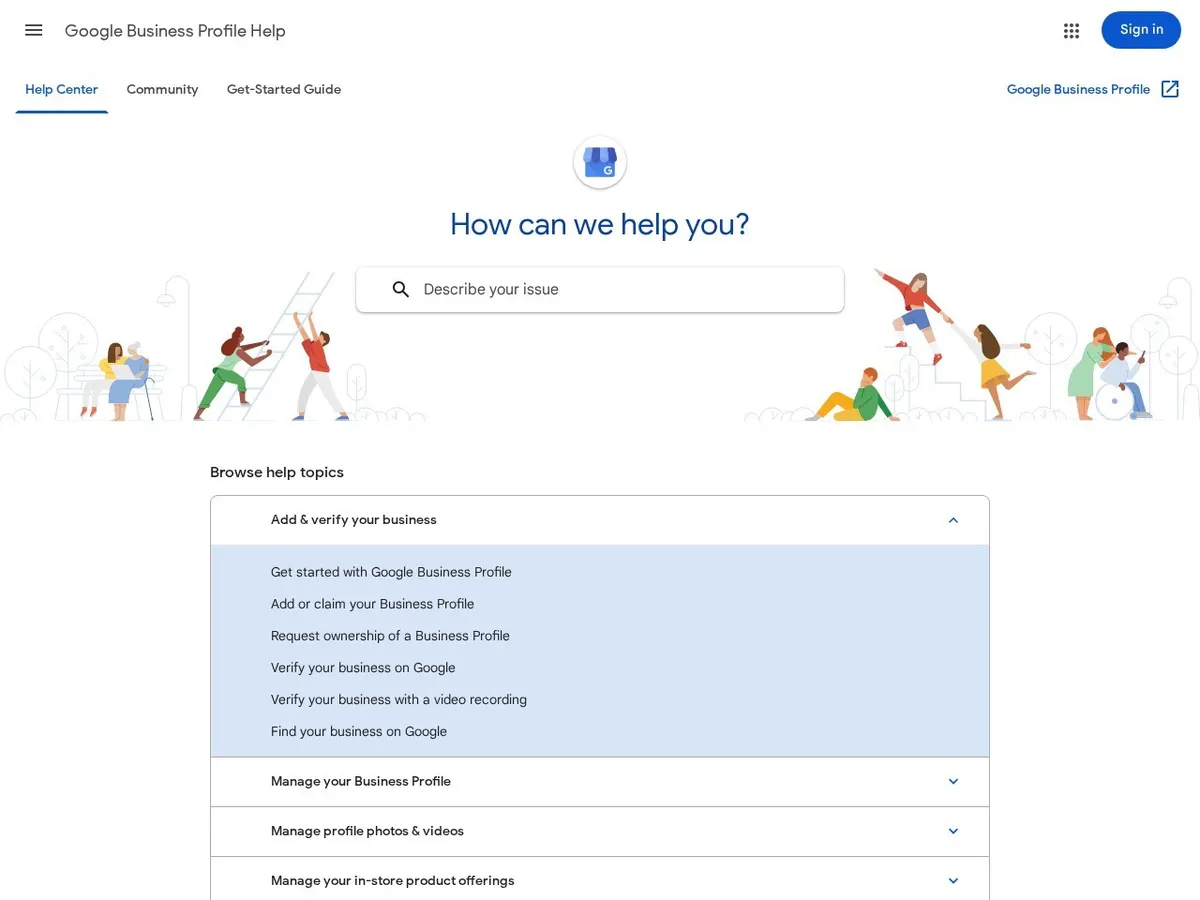
A complete profile is also the fastest local SEO win most businesses have — see how long SEO takes for where Maps rankings fit in the timeline, and keep Google's own Business Profile help centre bookmarked for policy questions.
Step 6: Reviews — the engine of the whole profile
For most local businesses, reviews decide who gets the call. Three honest rules work: ask every happy customer (a short review link or QR code at the counter makes this easy), reply to every review — a thank-you for praise, and a calm, helpful answer to criticism — and never buy reviews. Fake reviews are easy for Google and customers to spot, and a profile removed for them takes your whole local presence with it.
Do not panic over one bad review. A profile with 40 reviews averaging 4.3 stars, answered politely, usually beats a suspicious perfect 5.0 from six reviews. What matters is a steady flow of genuine new reviews every month. Reviews are also a core part of wider SEO work, because the words customers use help Google understand what you are known for.
Step 7: Keep the profile alive
A Business Profile is not a one-time form. Post small updates — a festival offer, a new service, a finished project photo — using the free "Add update" posts. Keep hours correct on holidays, answer questions people ask on your profile, and update details after any change of phone number or timing. This ten-minutes-a-week habit, with a clear website and consistent listings elsewhere, is most of what a full digital marketing plan builds on for a local business.
How much does all this cost?
The profile itself costs ₹0 — Google does not charge for it, and anyone asking for a "Google listing registration fee" is charging you for a free product. Your real cost is time: about 1–2 hours for a careful first setup, then ten minutes a week to keep it healthy.
Already have a profile but the phone is quiet? Tell us about your project — tell us your business name, city and what you sell, and we will look at your profile and tell you plainly what is holding it back, including if the honest fix is one you can do yourself in an afternoon.
Questions people ask us
Is a Google Business Profile really free?
Yes, completely. Creating, verifying and updating your profile costs nothing. You only pay if you choose to run Google Ads or hire someone to manage it. Be suspicious of any caller demanding a fee to "renew" your listing — that is a common scam.
How long before my profile starts bringing customers?
A verified, complete profile can appear in Maps and local results within days. Building real visibility — steady reviews, photos and rankings in the map pack — usually takes 4–8 weeks of consistent activity for a local business, longer in very competitive city categories.
Can I run a profile if customers do not visit my premises?
Yes. Service-area businesses — plumbers, tutors, agencies, repair services — can hide their address and show only the areas they serve. You still get Maps presence, calls and reviews; you simply do not publish a home or office address you do not welcome visitors to.
What should I do if my profile gets suspended?
Check the usual causes: a keyword-stuffed name, a duplicate profile, or an address that does not match your documents. Fix the issue, then request reinstatement with clear proof — registration, bills and signage photos. Do not create a replacement profile while suspended; it usually makes things worse.